- 48 -
2. Setting Up
12
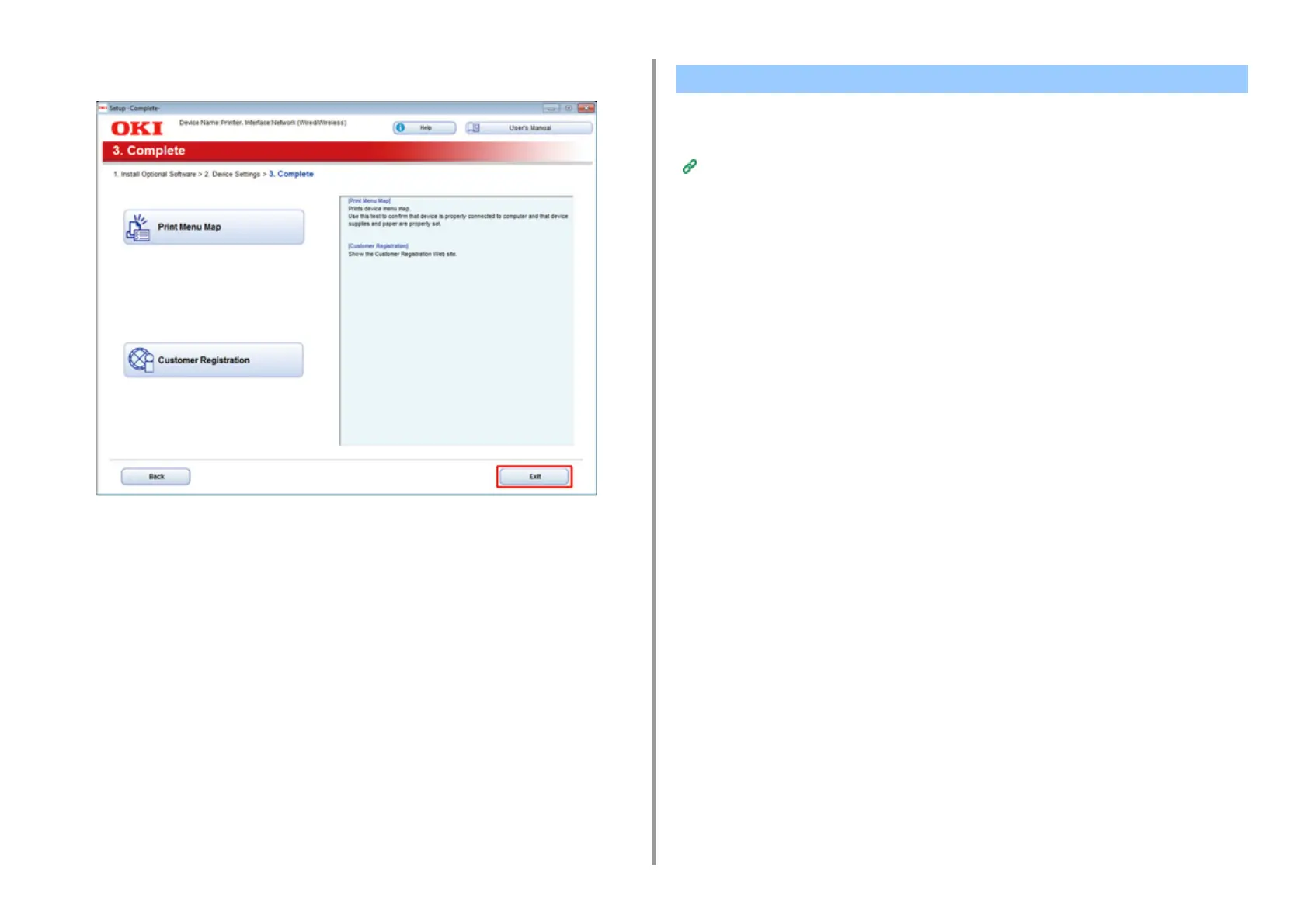
Click [Exit].
This section describes how to install the PS printer driver.
For installation of utilities, see the following.
Installing Software (Advanced Manual)
When the installation is complete, print a test page in step 15.
1
Make sure that the machine and a computer are connected and the machine
is turned on.
2
Insert the "Software DVD-ROM" into a computer.
3
Double-click the [OKI] icon on the desktop.
4
[Drivers] > [PS] > Double-click [Installer for OSX].
5
Enter the administrator password, and then click [OK].
Follow the on-screen instructions to complete the installation.
6
Select [System Preferences] from the Apple menu.
7
Click [Printers & Scanners].
For Mac OS X


 To Next Page