3
Maintenance Procedures – Printer / ADF / Scanner
Cleaning the exterior of the printer
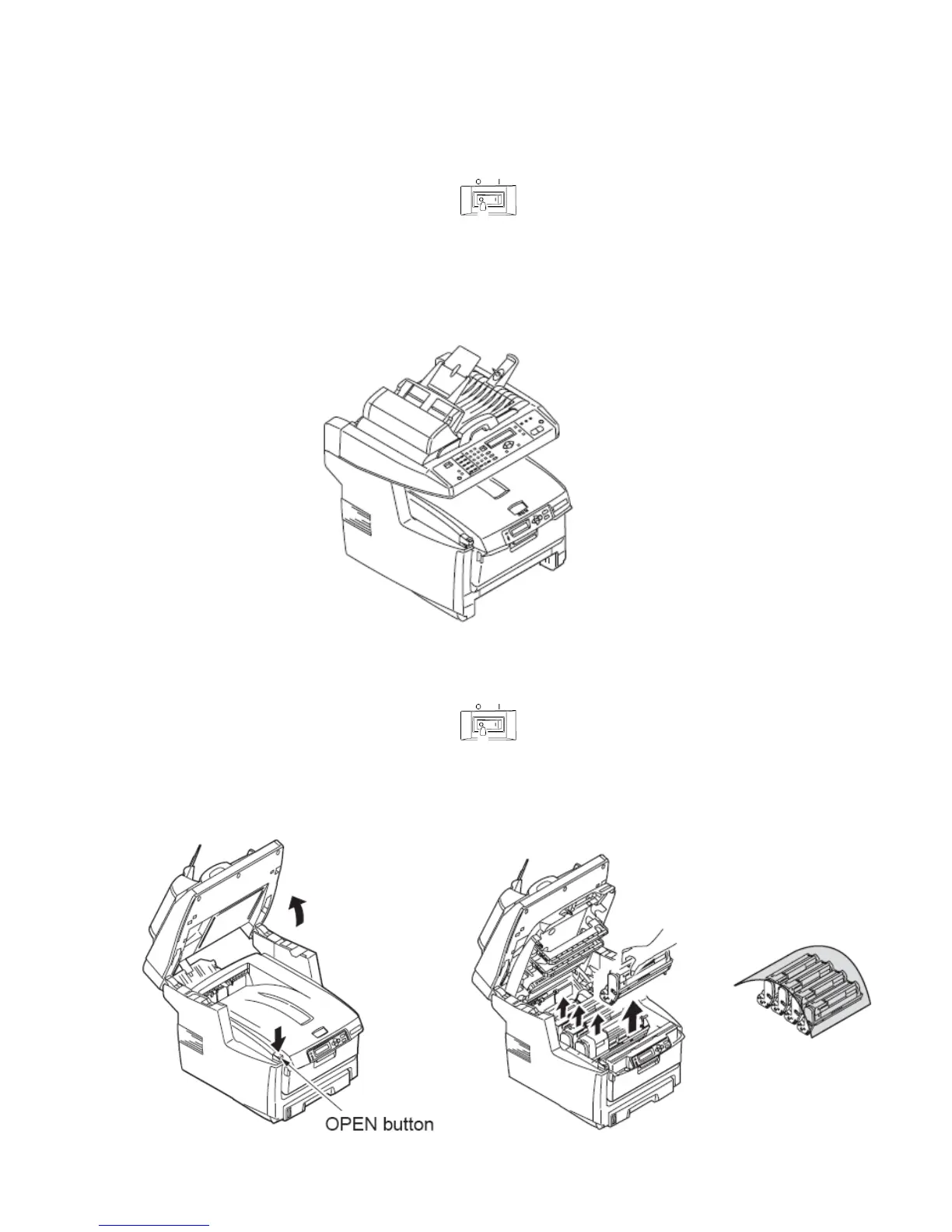
* Be sure to turn off the power to the printer.
Clean the interior and exterior with a soft clothe and a vacuum cleaner.
Note: Be careful not to touch the image drum terminals, LED lens array, and LED connectors.
Cleaning the interior of the printer
* Be sure to turn off the power to the printer.
Open the top cover by pressing the open button and remove the image drums.
* The image drums are sensitive to light. Be sure to cover the drums.



 To Next Page