47
Fax Maintenance Menu (Service Mode)
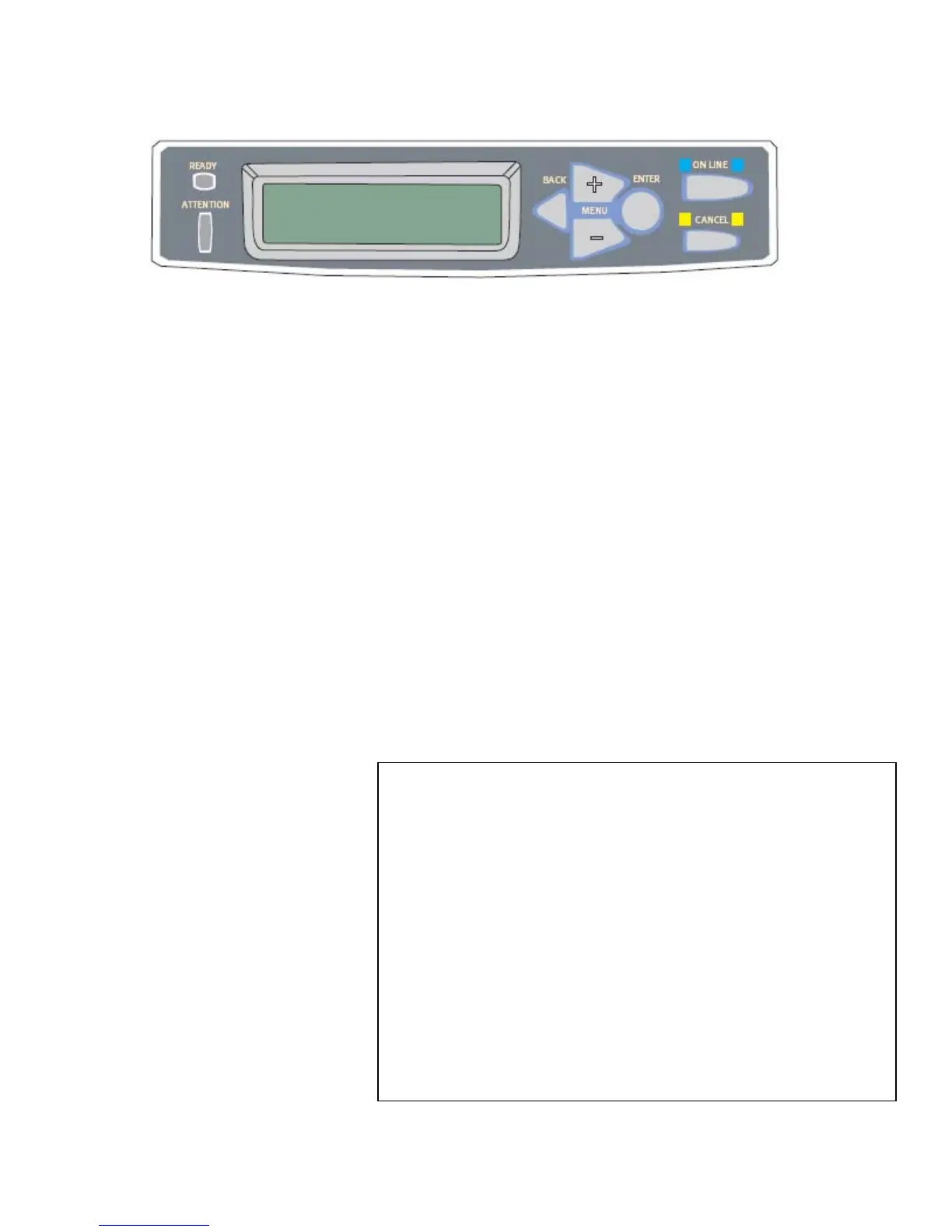
To access the fax maintenance (Service Mode) menu depress the #2 key while powering on
the machine. The following screen will appear:
This will allow Service Mode access in the regular user printer menu. To de-activate the
service mode access cycle the power off / on.
Getting to the Service Mode
Select the “Menu” key Machine will display “Getting Printer Info.” And then the following
selections will appear:
User Menus
↓
Information
↓
Printer Menu
↓
Network Settings
↓
Mail Server
↓
Fax Settings
→ OK → Phone Book
Reports
↓ Cancel Fax Jobs
Setup Fax
Service Mode → OK
Report Print ↓ (default settings are in bold)
↓
Management
Service Mode
Fax Service Bit: ON
Activity Report: Enable / Disable
Fax Header: Enable / Disable
Attenuator: 10db (select 0 thru 15db)
MF Attenuator: 8db (select 0 thru 15db)
Transmission Rate: 33.6kbs (select 28.8/14.4/9.6/4.8)
Monitor Control: Disable / Type 1 / Type 2
Pulse Dial Rate: 10pps / 20pps
Pulse Make Ratio: 40% / 33%
Tone Duration: 100ms / 75ms / 85ms
Calling Timer: 60
Tone Send Test: 2100hz / 1100hz / 1850hz / 1650hz
Pulse Send Test: N/A
Modem Signal Test: v.34(33.6)
v.34(28.8)/v.17(14.4)/v.17(12.0)
v.17(9.6)/v.17(7.2)/v.29(9.6)/v.29(7.2)
v.27(4.8)/v.27(2.4)/v.21(0.3)/v.21(0.3)
Tone / Pulse: Tone



 To Next Page