Installation 93
Loading the OKI Driver
Parallel Interface
1 Insert the CD into your CD-ROM drive.
Note: If the CD does not AutoPlay, click Start
→
Run
→
Browse, then browse to your CD-ROM drive,
double-click Install.exe and click OK.
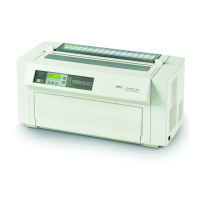
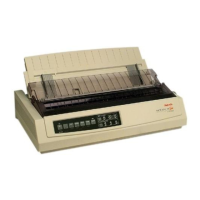
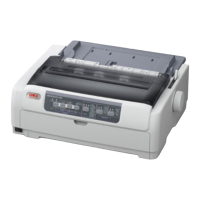
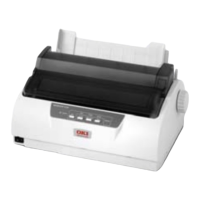
2 Select your printer model.
3 When the Menu Installer window appears, click the Printer
Software button.
4 Follow the on-screen instructions.
USB Interface
1 Turn the printer on.
The Windows Add New Hardware Wizard window displays.
2 Click Next.
3 Insert the CD into your CD-ROM drive.
4 Follow the on-screen instructions to install the software for
your printer model.
Using a Compatible Driver
Note: See your software documentation for information on how
to select a printer driver.
The drivers below are listed by decreasing compatibility with
your printer. Use one as close to the top of the list as possible.
IBM Proprinter III
• IBM Proprinter III
• IBM Proprinter II
• IBM Proprinter
Epson FX
• Epson FX286e
• Epson FX 850/1050
• Epson FX 800/1000



 To Next Page