51
Pulse el botón FEED de nuevo 1 segundo o más hasta que el zumbador suene
dos veces. Suelte el botón FEED después de la señal sonora.
Esto vuelve al nivel anterior y se imprime el menú de configuración (Setup
Menu).
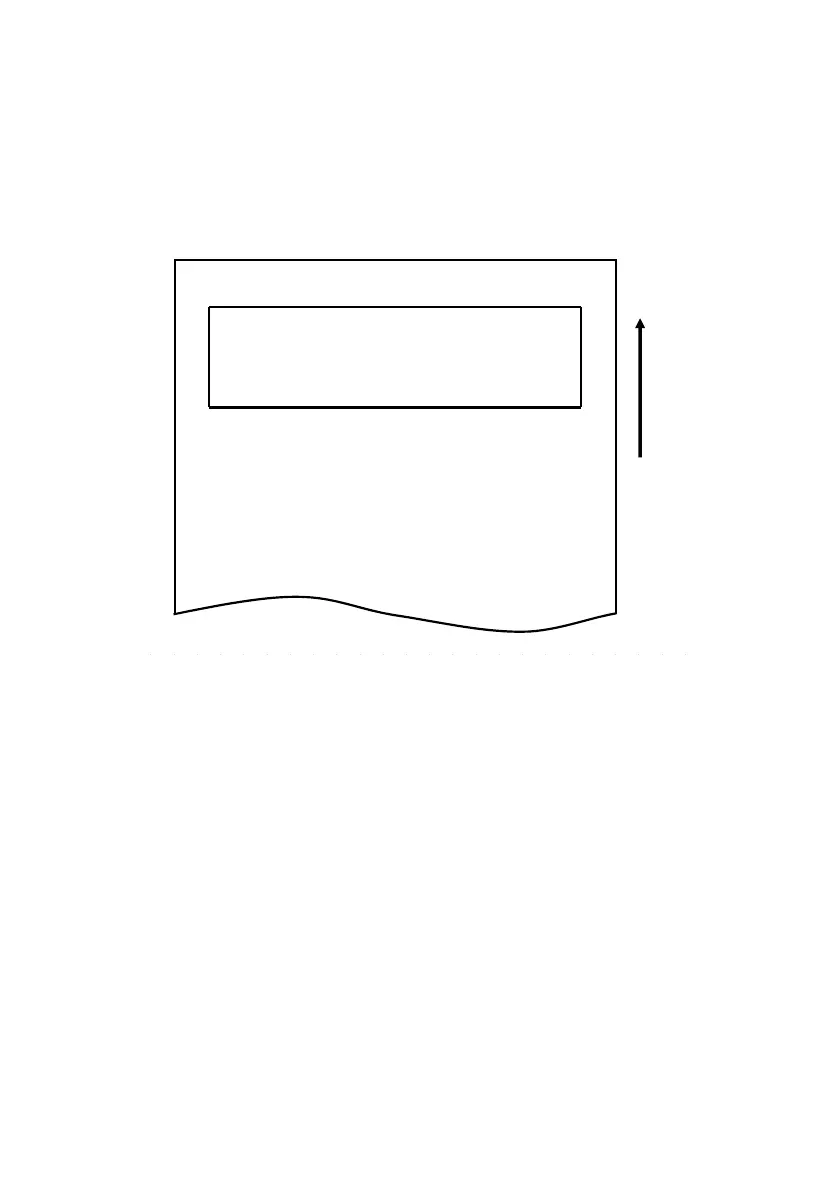
Setup Menu
1.Setting
2.Setup Print
3.Save & End
4.Default Set
<Set>
Press FEED button for the number of times
as the same as your selecting item, and
wait more than 1 second.
<Return>
Continue to press FEED button more than
1 second.
用紙送り方向
Dirección de avance
del papel
Continúe co
n el paso 8.



 To Next Page