52
7-2. Salida directa al menú de configuración
Pulse el botón FEED 3 segundos o más para volver al menú de
configuración (Setup Menu).
Aunque pulsar el botón FEED mucho tiempo hace que el zumbador suene
dos veces pasado el primer segundo, ignore esto y siga presionando el botón
FEED.
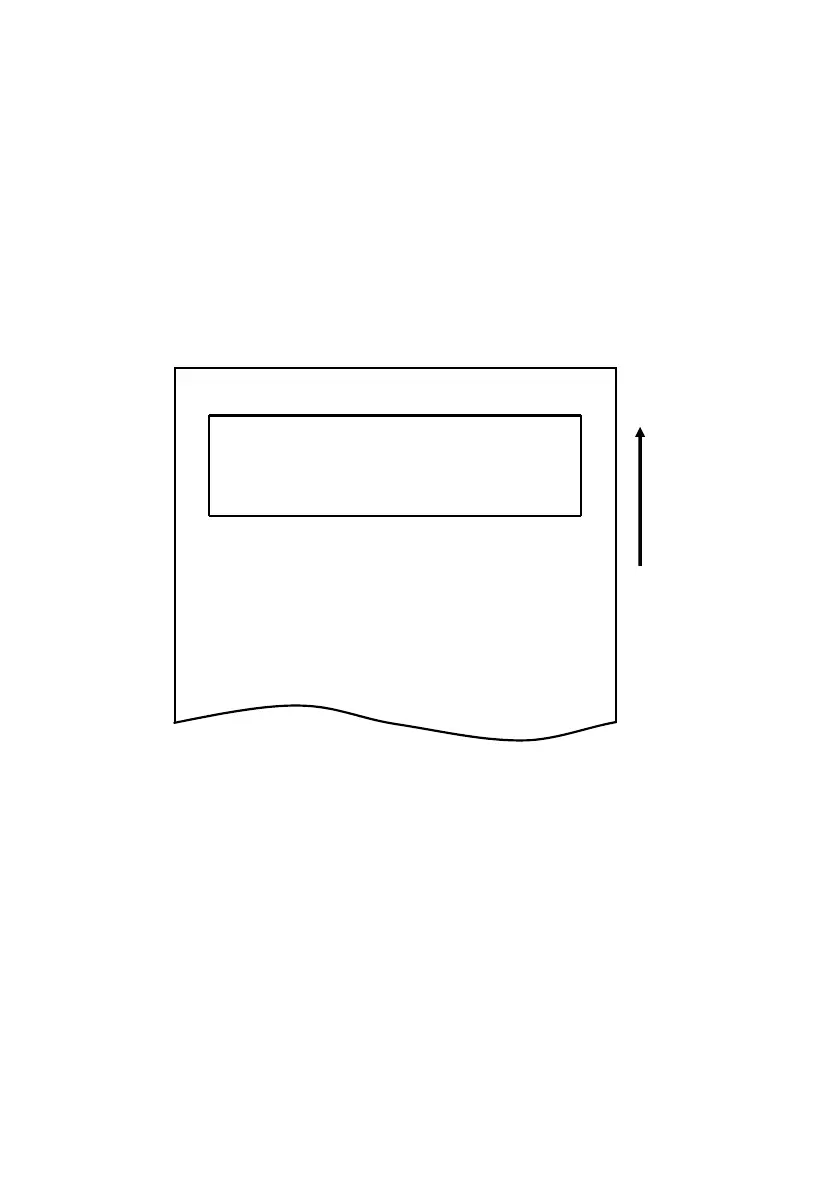
Después de unos 3 segundos, el zumbador suena tres veces y se imprime el
siguiente menú.
Setup Menu
1.Setting
2.Setup Print
3.Save & End
4.Default Set
<Set>
Press FEED button for the number of times
as the same as your selecting item, and
wait more than 1 second.
<Return>
Continue to press FEED button more than
1 second.
用紙送り方向
Dirección de avance
del papel
Continúe con el paso 8.



 To Next Page