14 Control elements
4.1 Control Unit
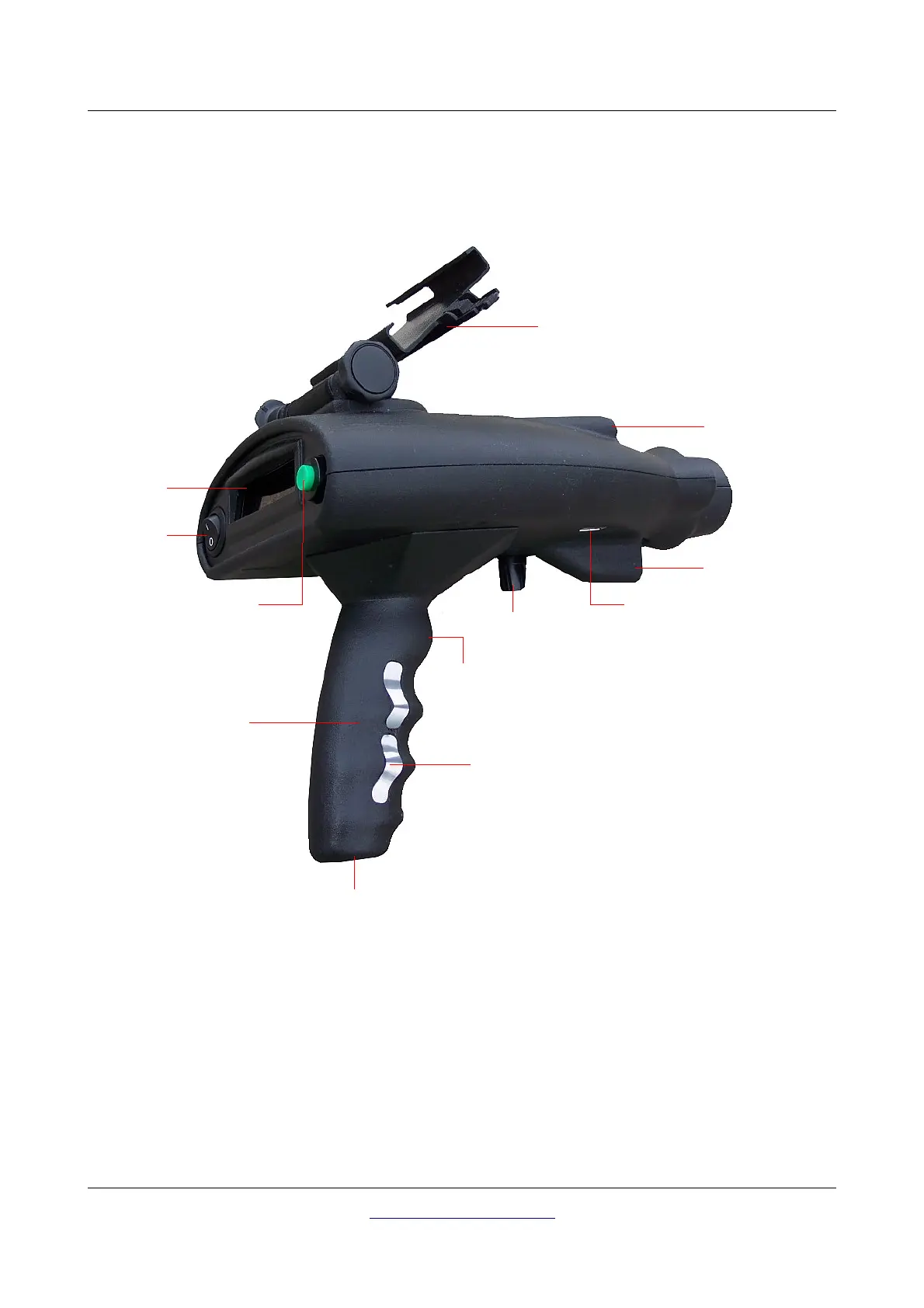
Figure 4.1 shows all the control elements of the Bionic X4.
Handle with electrodes: When using the device you have to take hold of the handle. Especially in the
bionic mode you have to make sure that your hand has contact with the electrodes on both sides of the
handle. Those electrodes are used to measure your body's bio-energy which influences the whole
measurement.
Connector for Power Pack: The Bionic X4 has no internal batteries but uses the external Power Pack.
Additional information about the usage and care of the Power Pack you may find in the separate
description.
OKM GmbH
www.okmmetaldetectors.com



 To Next Page