Operating modes 29
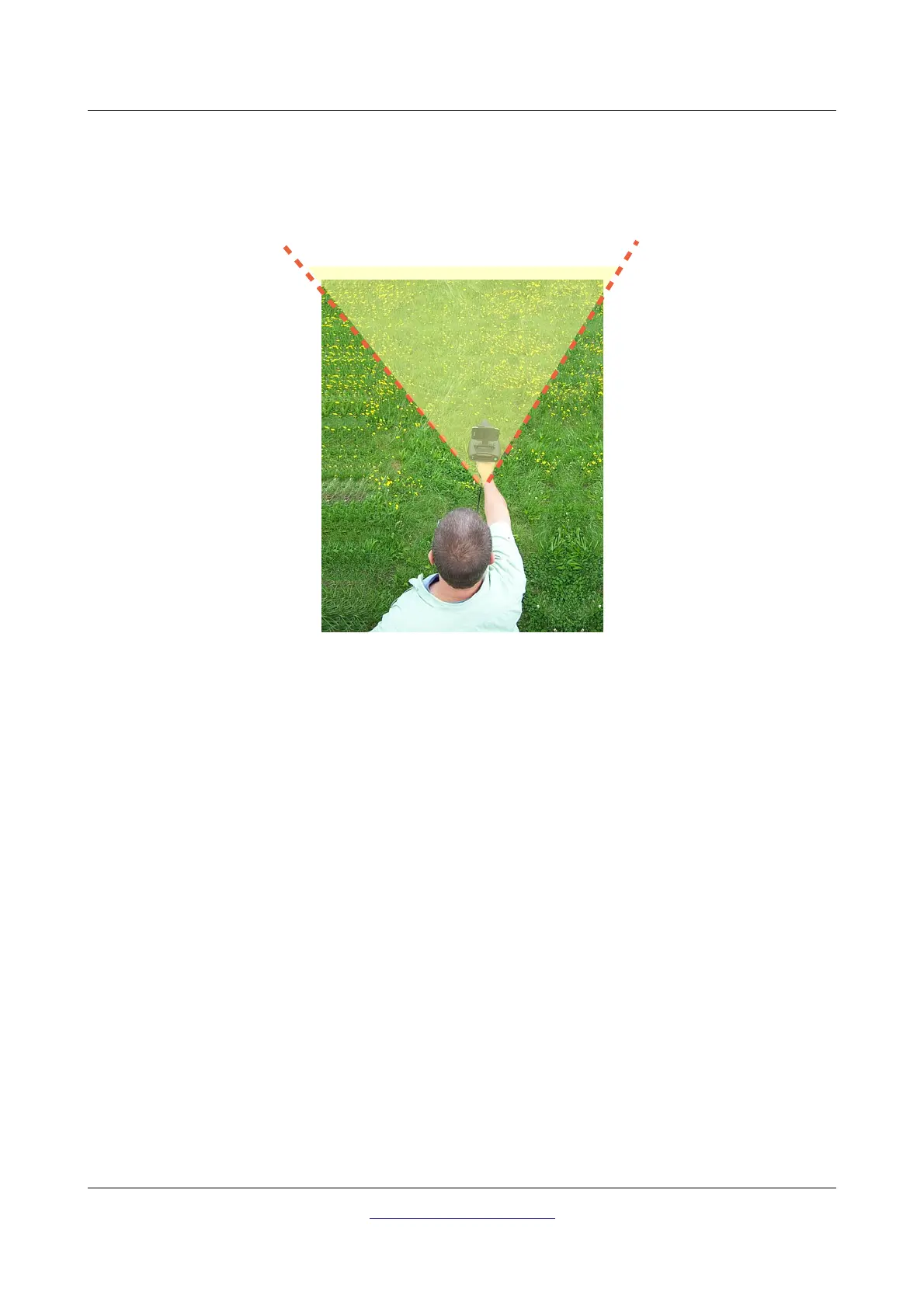
In Figure 6.10 the area is shown. The user can slowly move the Bionic X4 from the SE to the SW being
sure to keep the North always on their back. Using the unit outside of this area may give the user an
incorrect reading.
In order to end the scan, push the green button again and this will return you to the main menu. Again
like that in the Bionic mode, a minimum of two scans from two different direction will have to be done to
correctly triangulate the buried object.
6.2.3 Scan with activated Smart Phone
When you have the Smart Phone connected, the same for the Ionic mode pertains as with the Bionic
mode. You can depress the trigger on the hand grip (handle button) to take an image of the direction to
better locating the cross hairs.
Another advantage to using the Smart Phone with its included digital compass is to remain within the SE
to SW area. The compass will show you which direction you are pointed ensuring that you can keep
North to your back.
OKM GmbH
www.okmmetaldetectors.com



 To Next Page