20 Assembly
OKM GmbH
www.okmmetaldetectors.com
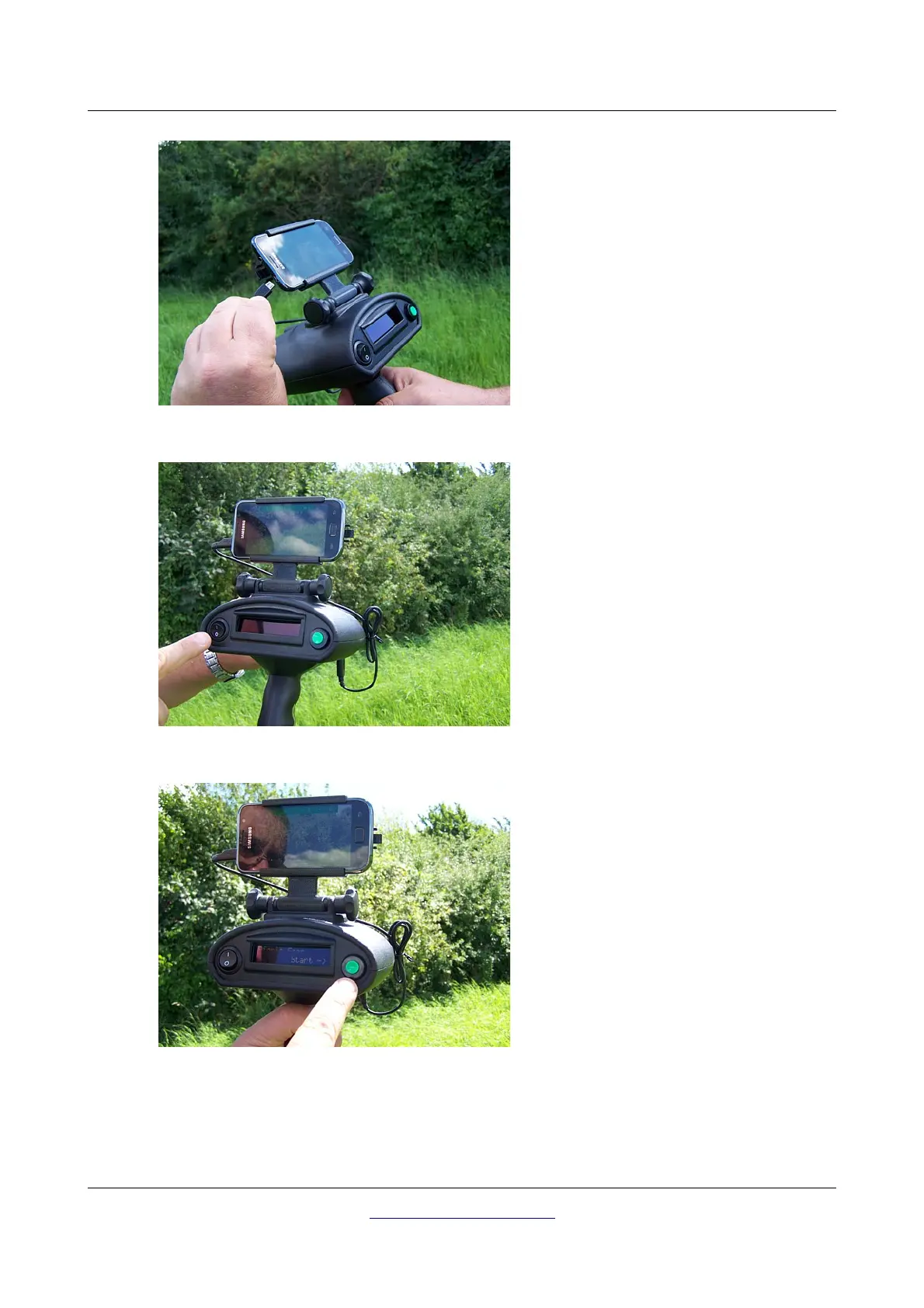
Figure 5.7: Connecting the USB cable to the Smart Phone
Step 7
… the small end with the USB port of the
Smart Phone.
Charging the Smart Phone is also possible
with the Bionic X4 switched off. As soon as
the USB cable is connected and the Power
Pack is switched on charging takes place.
Figure 5.8: Switch on the Bionic X4
Step 8
Switch on the Bionic X4 by using the power
on/off button.
Figure 5.9: Start the measurement
Step 9
After switching on the device, the menu item
„Bionic Scan“ appears in the display.
Now your device is prepared for the first
measurement.



 To Next Page