Assembly 19
OKM GmbH
www.okmmetaldetectors.com
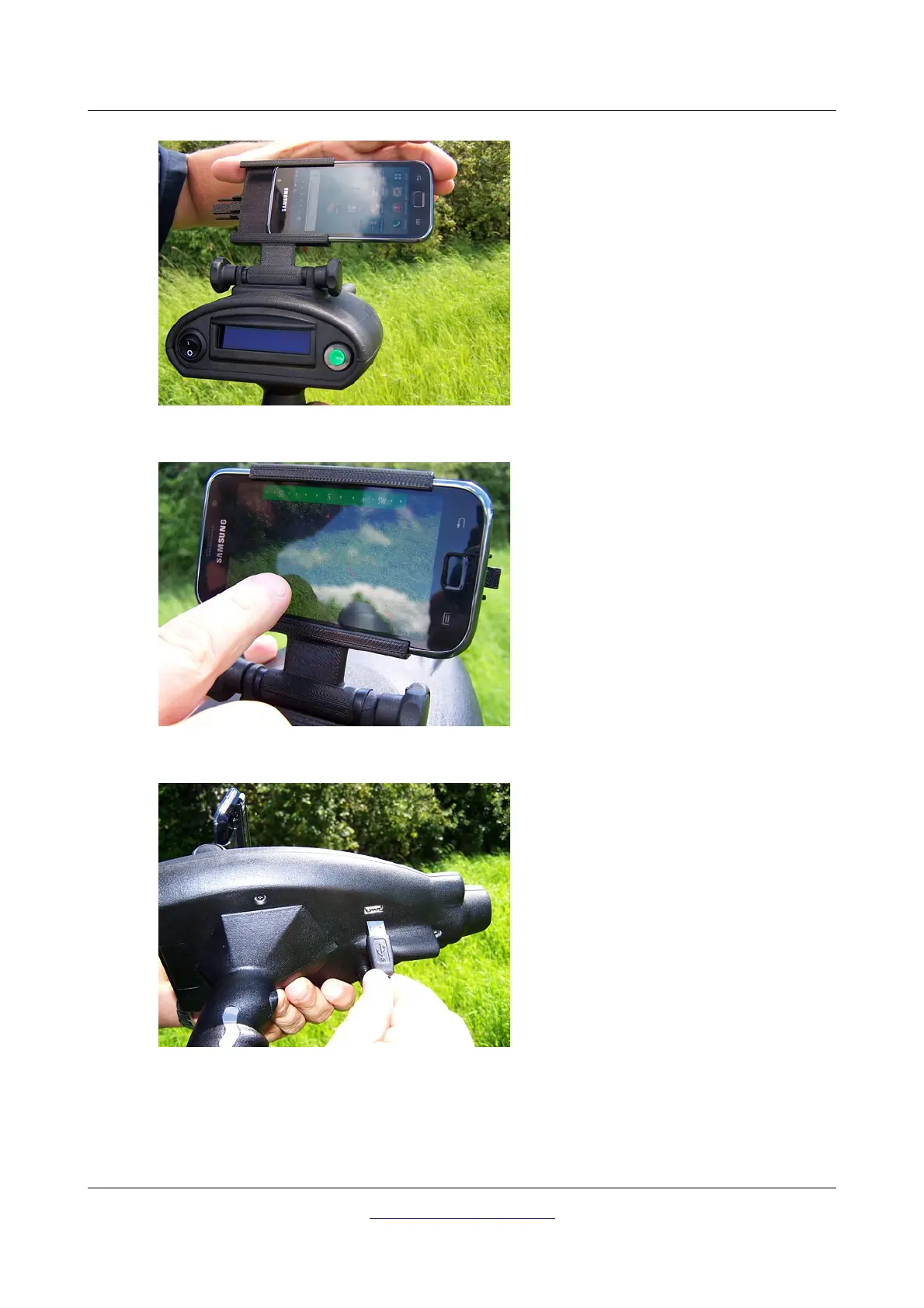
Figure 5.4: Place the Smart Phone into the holder
Step 4
After powering on the Smart Phone, you have
to place it into the holder.
Avoid hard impact or other damages.
Figure 5.5: Run the application on the Smart Phone
Step 5
Now run the application on the Smart Phone
by touching the Bionic icon with your finger.
You should turn the holder into the required
position and fix it with the two knurled
screws.
Figure 5.6: Connecting the USB cable to the device
Step 6
For charging the Smart Phone while working
with the device you have to connect the big
end of the USB cable with the USB port of the
device and ...



 To Next Page