16 Control elements
4.2 Wireless Headphones
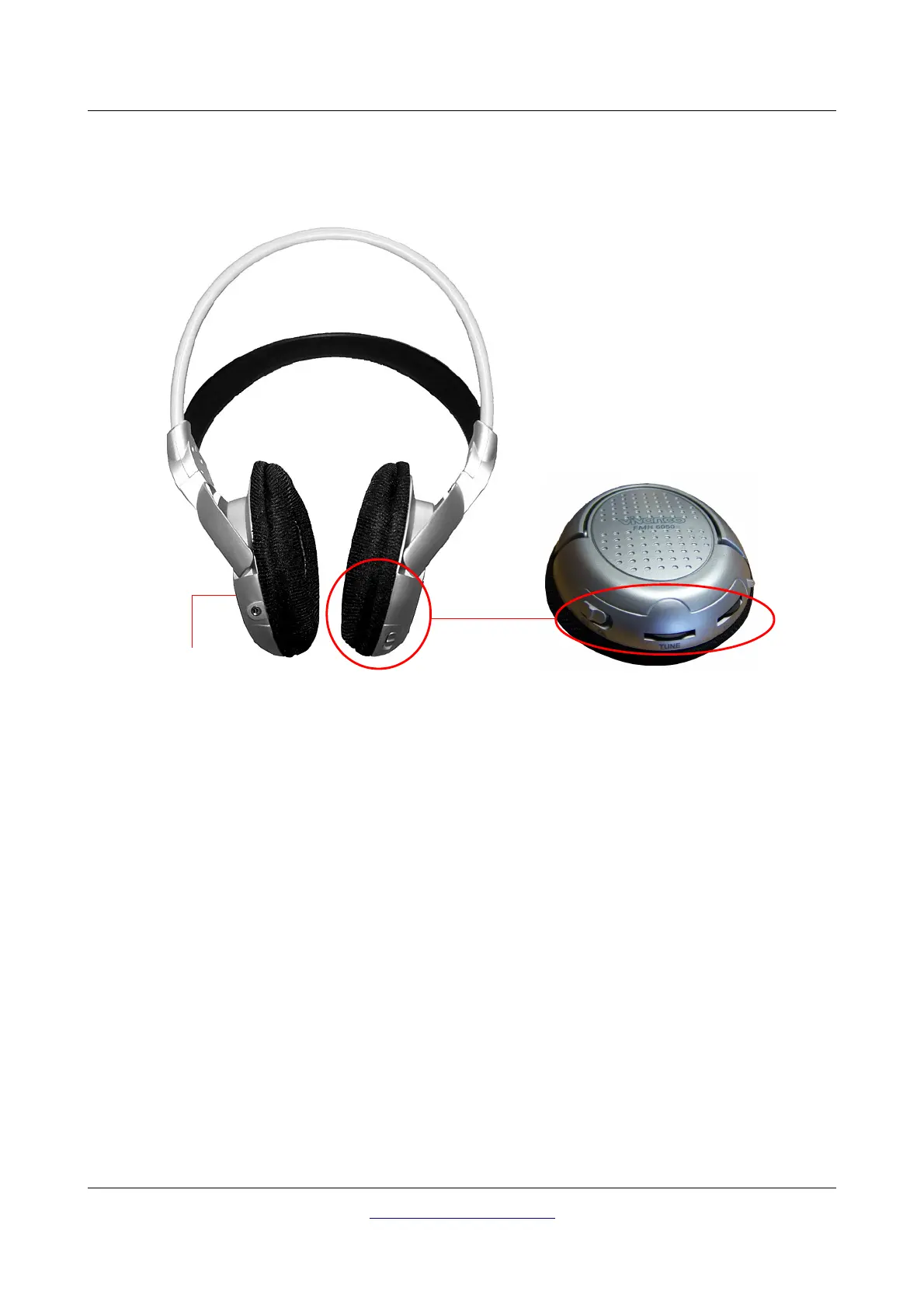
Figure 4.2 shows all control elements of the delivered wireless headphones.
To use the delivered wireless headphones, you should insert two fully charged type AAA rechargeable or
alkaline batteries inside the battery case. Remove the battery cover on the left site "L" and insert the
batteries into the battery case. Please make a note to insert the batteries correctly. Now place the
protective cap again on the battery case and press carefully until it snaps into place.
Power on the wireless headphones with the power on/off button (ON/OFF) and find the correct channel
with the frequency regulator (TUNE). The device Bionic X4 should be powered on and release an
acoustic signal during this adjustment.
Via the volume control (VOL) you can regulate the volume of the headphones.
OKM GmbH
www.okmmetaldetectors.com



 To Next Page