11 / 36
3.2 STANDARD PROBE / SUPER SENSOR
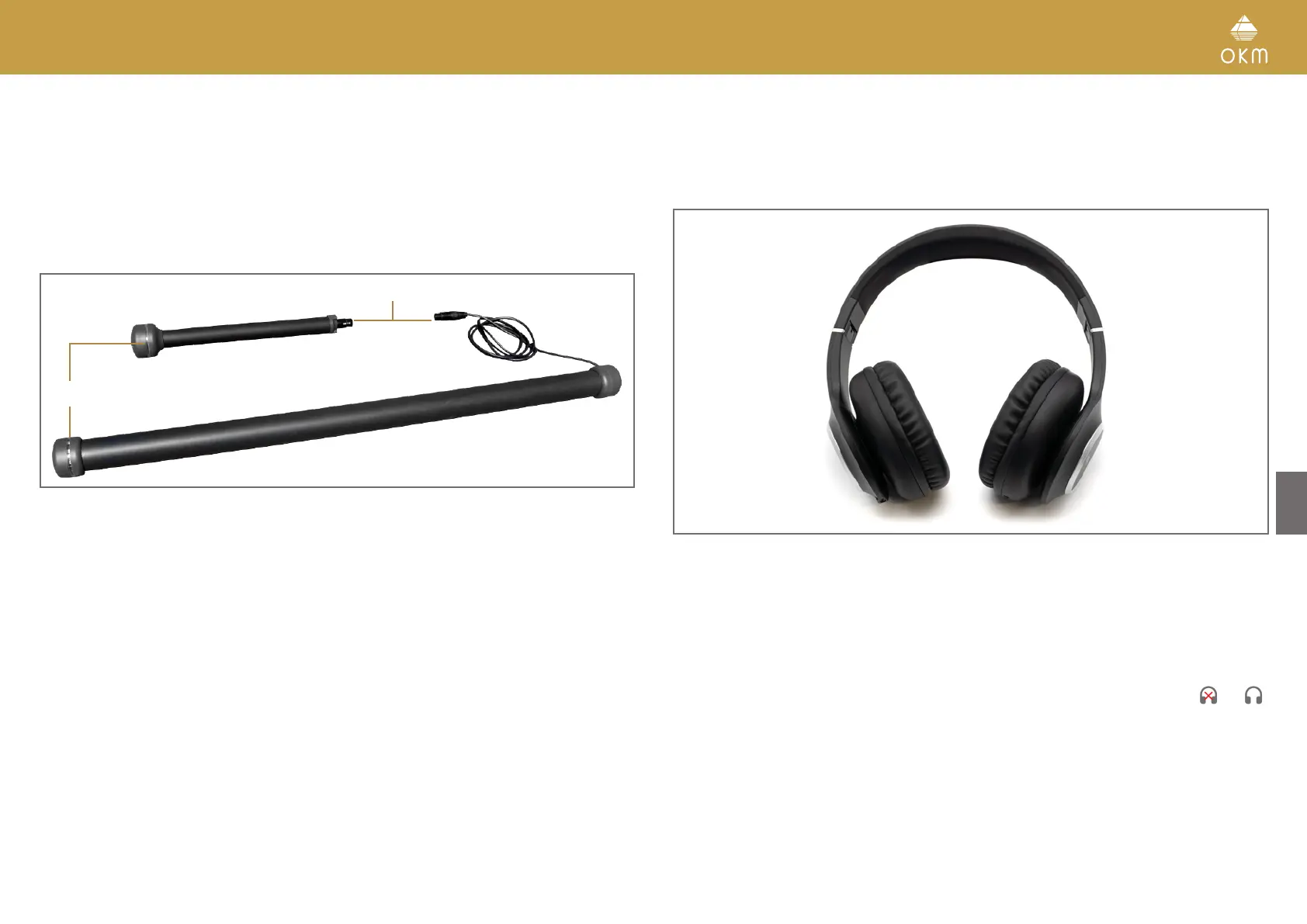
Both measuring probes are equipped with a light sphere called LED Orbit, that can indicate the
measured values by color changes during the scanning process.
The plug is used to connect the probe with the sensor socket of the control unit.
3.3 BLUETOOTH HEADPHONES
The Rover C4 can be operated with any Bluetooth headphones available on the market. Your
Rover C4 already includes Bluetooth headphones.
To use the headphones with your metal detector, please follow these simple steps:
1. Select “Settings” from your main menu.
2. Now select “Headphones”.
3. Power on your Bluetooth headphones and push the pairing button.
The Rover C4 tries connecting for 60 seconds. If the Bluetooth connection between headphones
and device can be established successfully, the headphones icon changes from to .
Otherwise try again.
See also section „5.6.2 Headphones“ on page 32 for more detailed information regarding con-
necting the Bluetooth headphones.
Plug
Standard Probe
Super Sensor
LED Orbit



 To Next Page