24 / 36
5.3 MAGNETOMETER
The operating mode "Magnetometer" allows to research the area in regard to ferromagnetic
metals, e.g. iron, cobalt and nickel and other metals or objects which include traces of such
metals. Primarily, this function is an acoustic mode, it generates a very rough graphical repre-
sentation on the display to visualize the highs and lows.
Use the Standard Probe or the Super Sensor for this operating mode. By using the high resolution
Super Sensor you can obtain a much better penetration depth. Please note that it can also react
on metallic trash or contamination laying on the surface or near to the surface.
5.3.1 Preparing a Magnetometer Scan
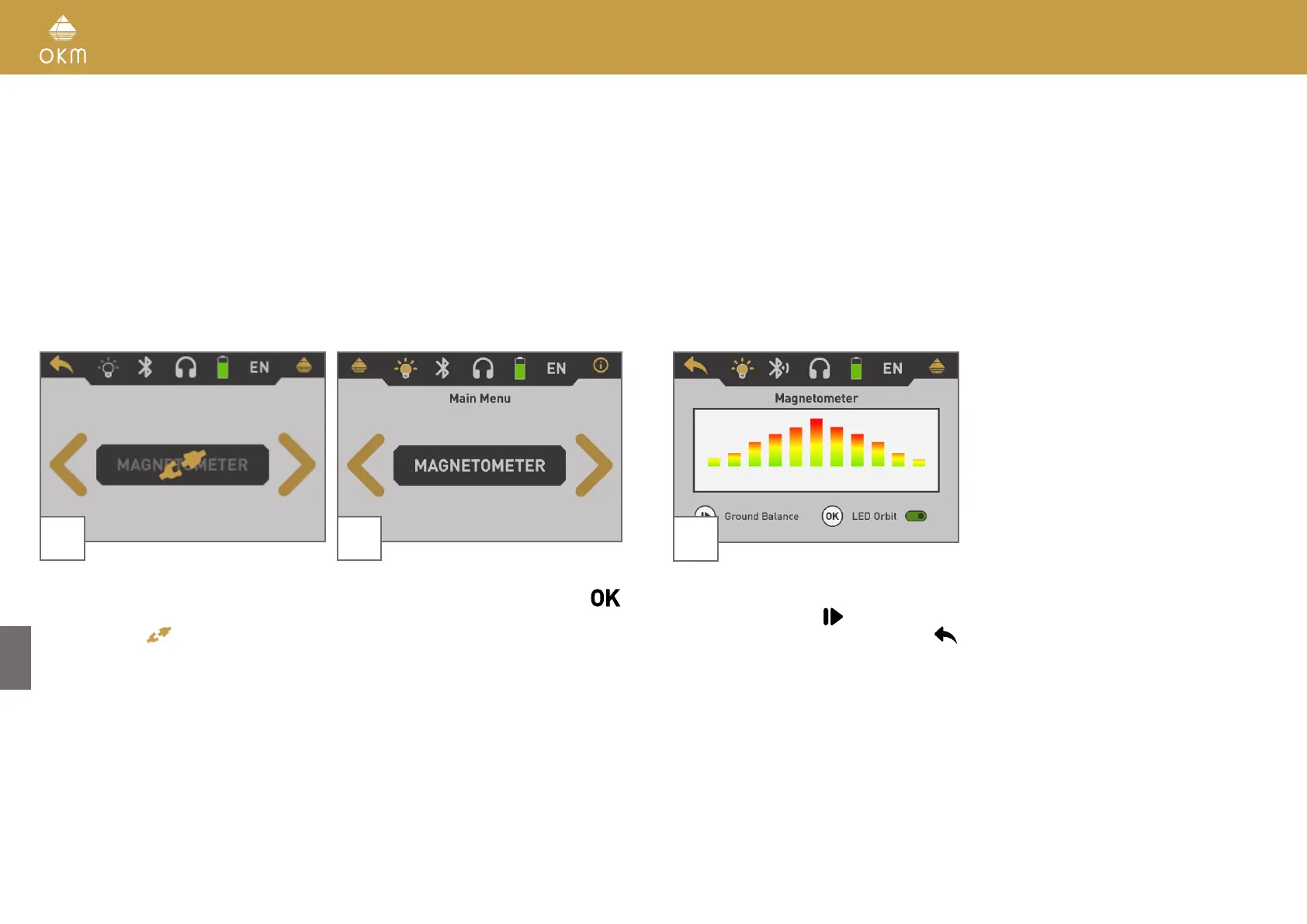
1 2
Power on the device and select "Magnetome-
ter" from the main menu. If there is no appro-
priate probe connected, the button is disabled
and displays the
icon.
If a proper probe is connected, confirm the
operating mode "Magnetometer" with the
button.
3
The display shows the active Magnetometer
screen. You can repeat the ground balance at
any time by pushing the
button.
To cancel this operating mode push the
button.



 To Next Page