34 / 36
6 PREPARING DATA TRANSFER
Make sure you have processed the steps from section „4.1 Pairing Bluetooth“ on page 12.
1 2
After launching your Visualizer 3D Studio soft-
ware you have to select File > Import from the
menu or you simply click the
icon.
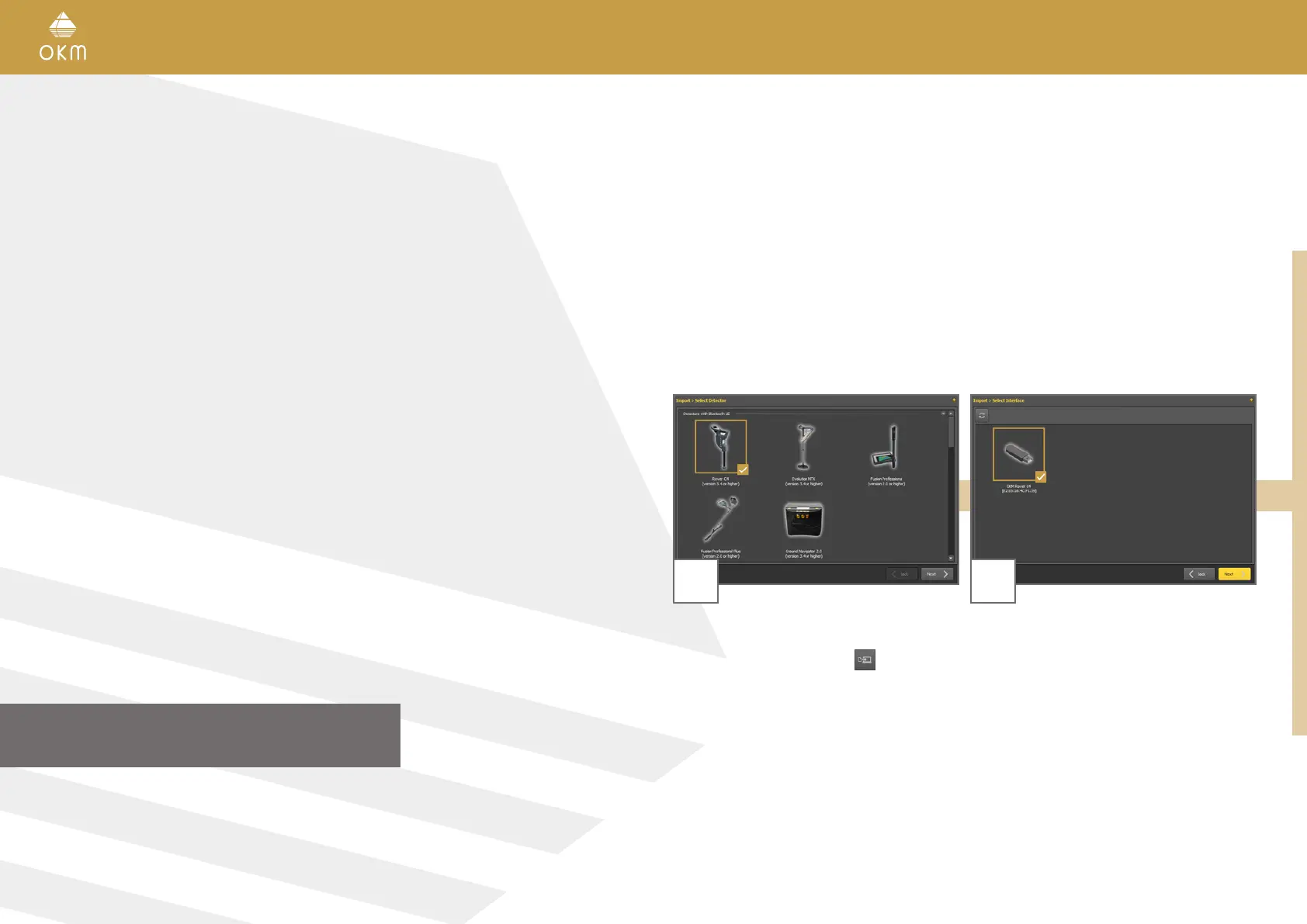
Select “Rover C4 (version 3.4 or higher)” from
the list and click Next.
Wait a moment until your device interface
appears in the list. Now select the entry and
click Next.
DATA TRANSFER



 To Next Page