35 / 36
3
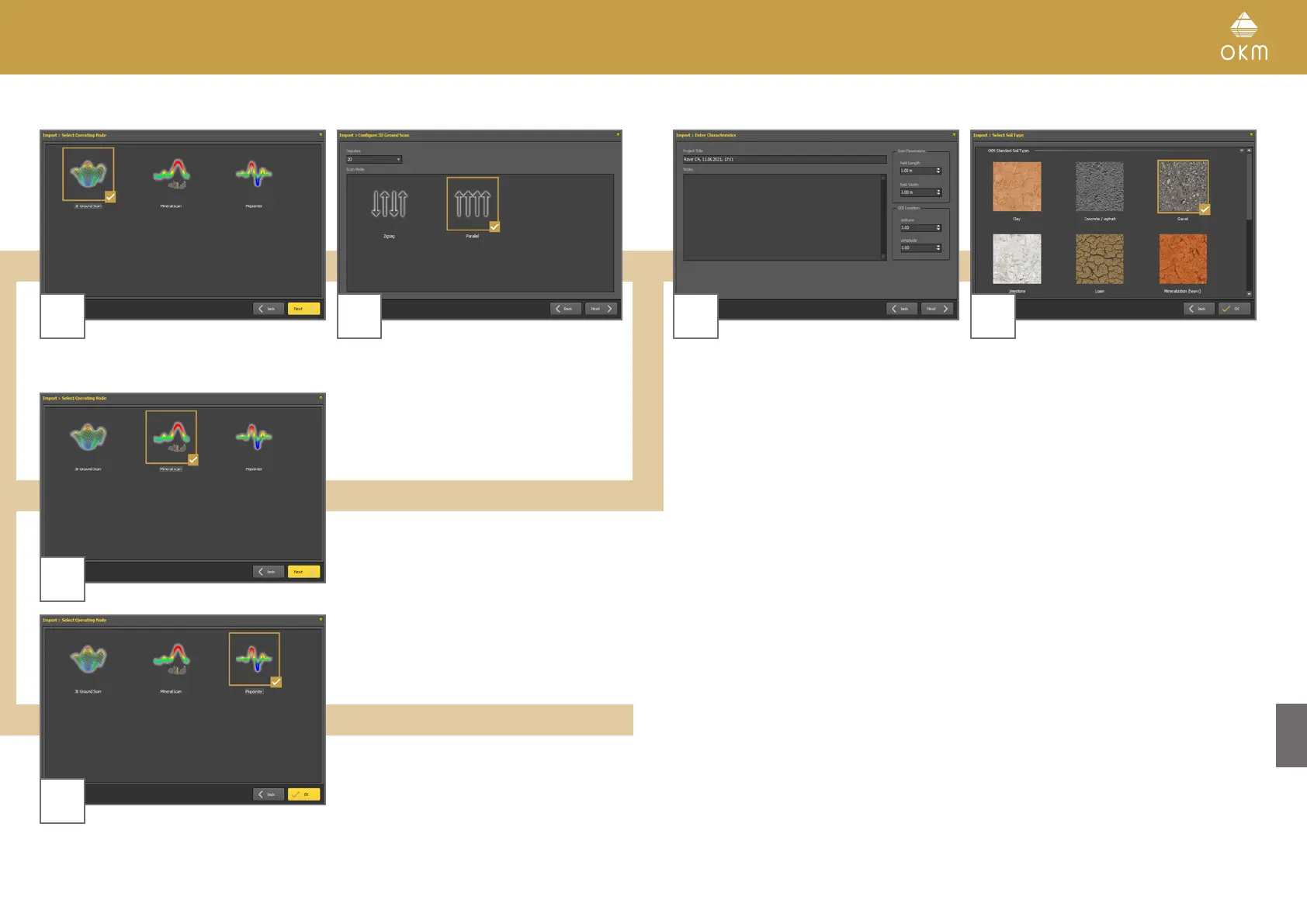
3D Ground Scan
4
Select the operating mode and click Next. Enter the Field Length and select the Scan
Mode, then click Next.
3
Mineral Scan
3
Pinpointer
Start the scan data import by clicking OK.
5 6
Enter title and scan field dimensions. You may
also apply GPS coordinates and add notes and
remarks. Then click Next.
Select the corresponding soil type.
Start the scan data import by clicking OK.



 To Next Page