27 / 36
3 4
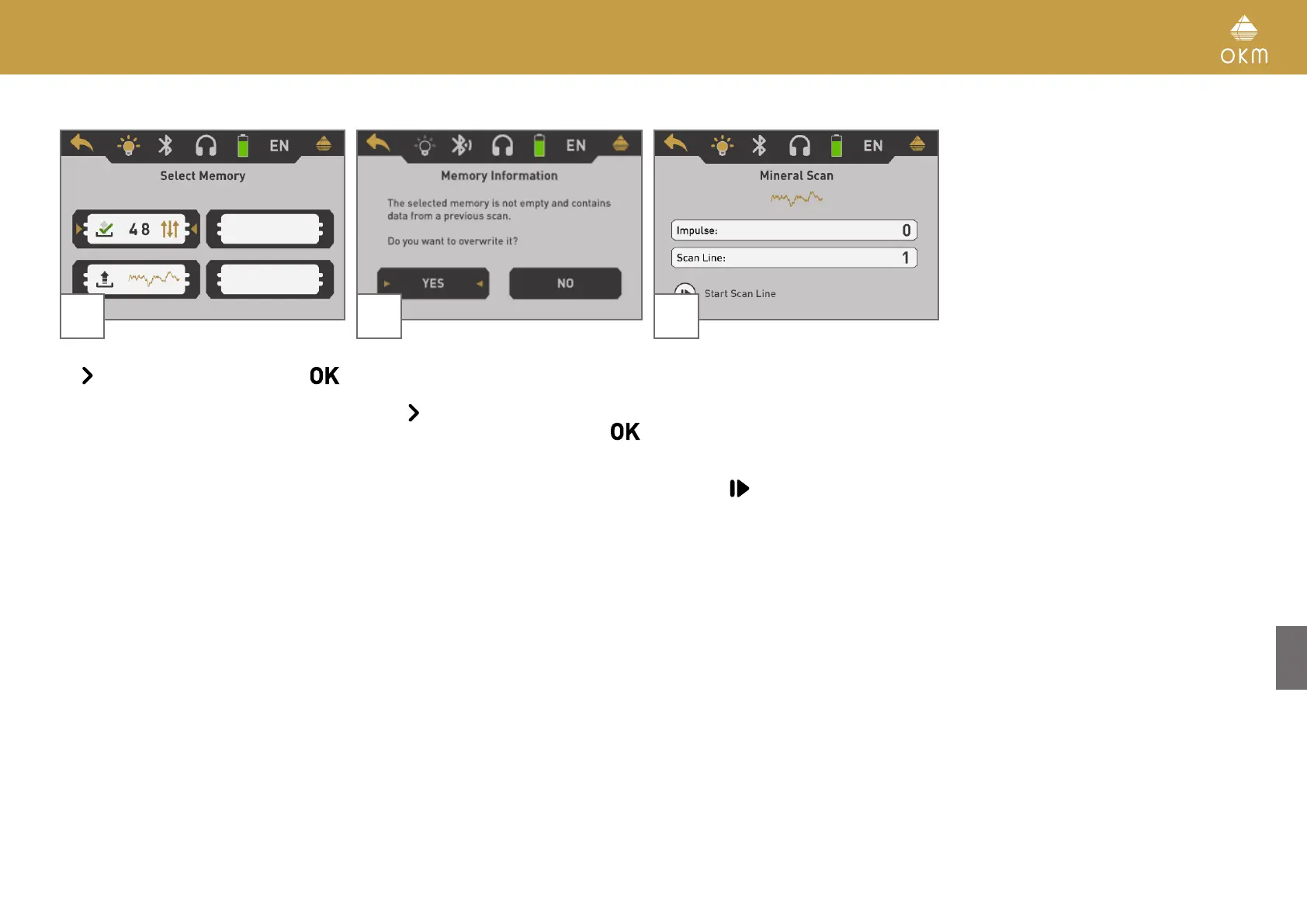
Select one of the memory areas by using
the
button. Confirm the selection with .
In case you selected a memory area that al-
ready contains data from a previous scan, an
information dialog appears.
Use the
button to either highlight the "Yes"
or "No" button and confirm it with the
button.
5
If you have selected a free memory area or
confirmed to overwrite an occupied one, the
Mineral Scan screen appears.
In the display you will see the current number
of measure points (impulses) which has been
recorded so far. As indicated on the bottom of
the screen, you can start the measurement by
pushing the
button.



 To Next Page