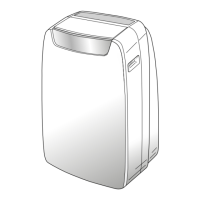
DOLCECLIMA COMPACT M
SW1SW3
S4
SW2
B
SW4
S1 S2
S3 D1
S5
C
B7
B8
D10
D12
D11
D9
B9
B10
B4
B4B11
B3
B2
B1
B12
D7 D8
D1
D16
D5
D4
D3
D2
D6
D14 D13
D15
EN - 13
ENGLISH
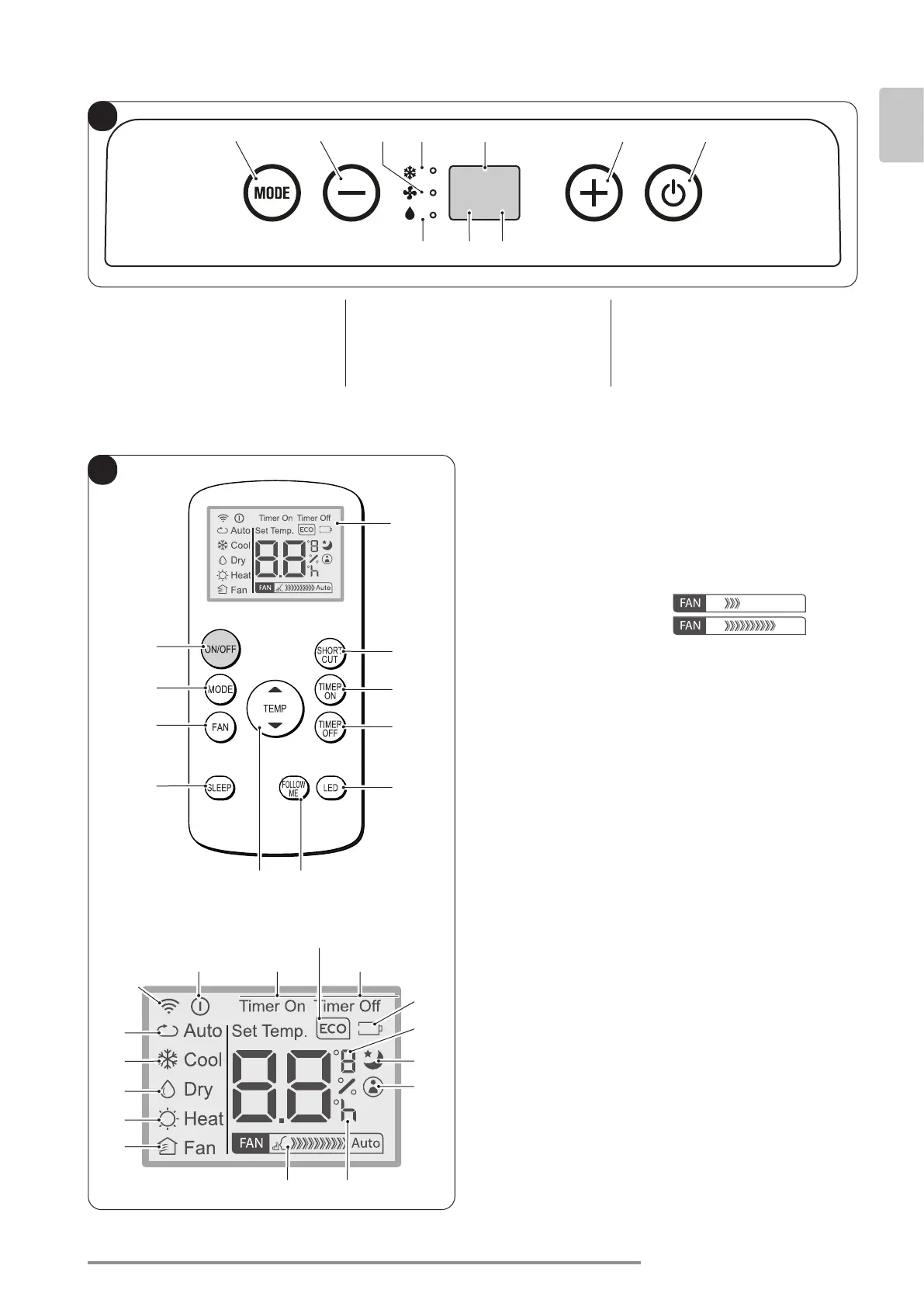
3.1 - CONTROL PANEL SYMBOLS AND KEYS (Fig.B)
• SW1: Running / Stand-by;
• SW2: Working mode selection
cooling =˃ automatic =˃
=˃ fan only =˃
=˃ dehumidication =˃
=˃ cooling =˃...
• SW3: Temperature/delay set increase;
• SW4: Temperature/delay set de-
crease;
• S1: Standby mode.
• D1: Tset/Timer
• S2: Timer mode;
• S3: Cooling mode;
• S4: Dehumidication mode;
• S5: Ventilation mode.
• B1: On/Off key for the appliance switching on/off
• B2: Operation mode selection
AUTO (Automatic) =˃
=˃ cooling =˃
=˃ dehumidification =˃
=˃ fan only =˃ ...
• B3: Fan speed selection
Minimum speed =˃
=˃ Maximum speed =˃
• B4: SLEEP mode activation (ON/OFF)
• B5: Not available for this model
• B6: Activate/deactivate FOLLOW ME function
• B7: Activate/deactivate display on machine control
panel
• B8: Unit switch OFF delay setting
• B9: Unit programmed switch-on setting
• B10: SHORT CUT
• B11: Temperature set increase ▲
Temperature set decrease ▼
• B12: Display
• D1: Appliance running indicator
• D2: Automatic mode (ECO)
• D3: Cooling mode (COOL)
• D4: Dehumidication mode (DRY)
• D5: Not available for this model
• D6: Fan only mode (FAN)
• D7: Fan speed indication (vederte “B3”)
• D8: Programmed switching on/off “hour” indicator
• D9: “FOLLOW ME” function active indicator
• D10: Temperature indicator in °C (F)
• D11: “SLEEP” function active indicator
• D12: Remote control battery low indicator
• D13: “TIME OFF” function active indicator
• D14: “TIME ON” function active indicator
• D15: Not available for this model
• D16: Remote control transmission signal
3.2 - REMOTE CONTROL KEYS (Fig. C)


 To Next Page
 Loading...