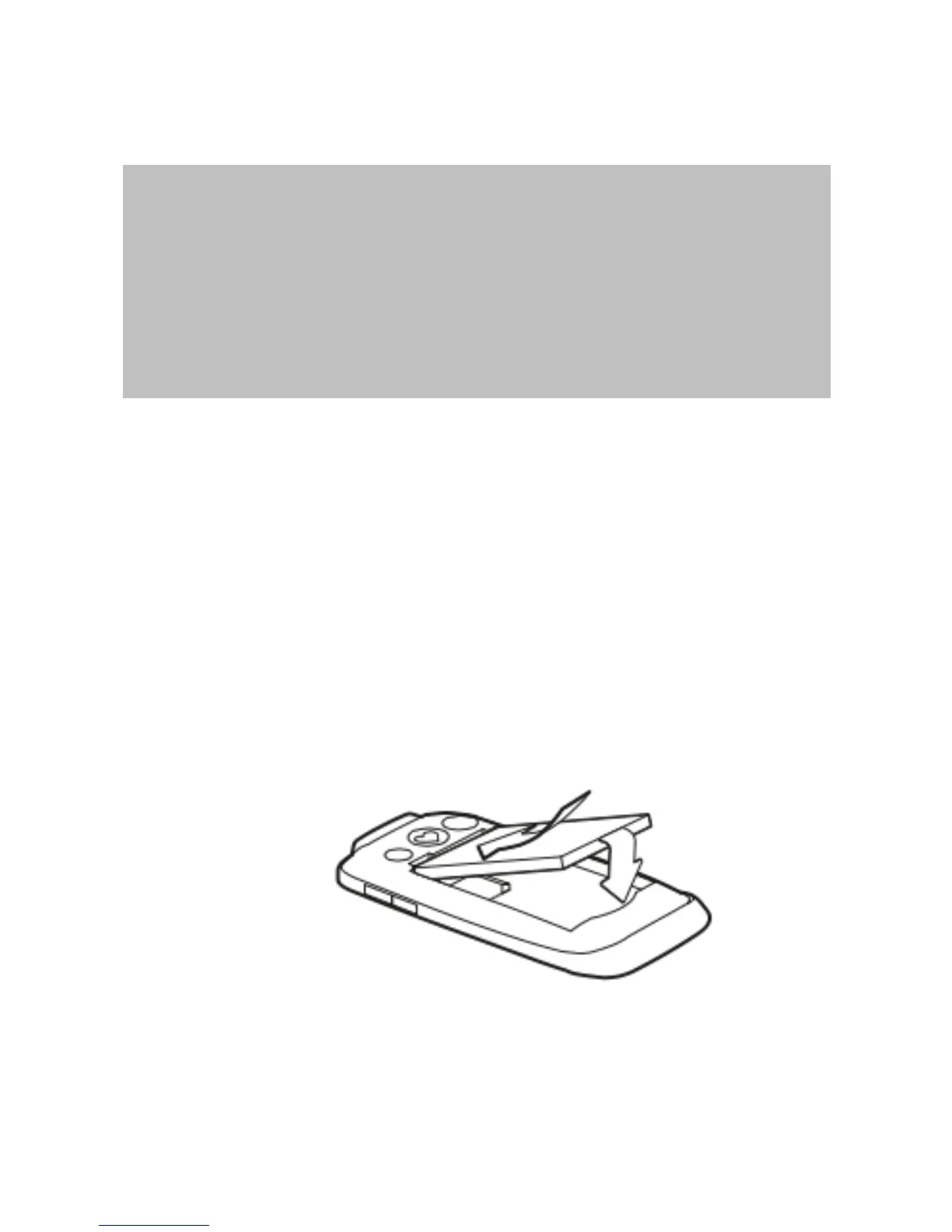
Insert the battery
Warning:Do not remove battery when
the phone is powered on or when the
phone is connected to the charger.
Failure to comply may result in damage
to the phone and attached accessories.
Step 1 - Remove protective tape from
conductors on top right edge of battery.
Step 2 - Insert the battery so the
conductors on the battery line up with
the conductors on the phone’s battery
port. Once inserted, the battery will sit
over the SIM card and MicroSD card (if
inserted).
Step 3 - Secure the battery cover in
place. To do so, first position the
bottom of the cover into place (two clips



 To Next Page