Setting up the phone
Insert SIM card
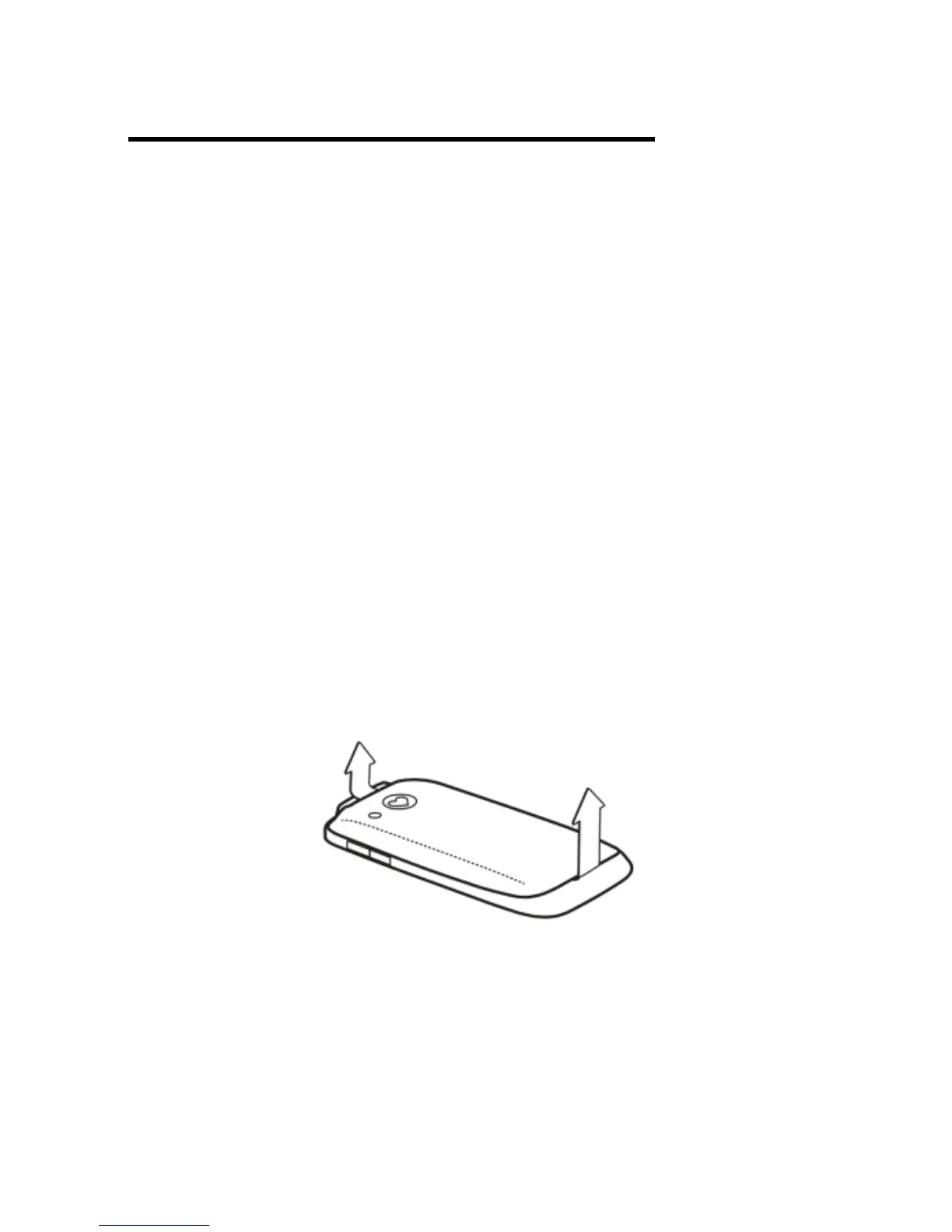
Step 1 - Remove the battery cover on
the back of the phone. To do so, find the
small recess in the top left corner of the
phones back cover. There is a small
raised marking on the back cover
above the camera lens to assist
locating the small recess (top left of
back cover). Lift from the small recess
to remove the back cover. Please note
it may be difficult to initially remove
back cover.
Step 2 – Remove the battery. The
location for the SIM card can now be
seen in the top left corner of the
exposed phone interior.



 To Next Page