EasyManua.ls Logo

Olitech EASY MATE+ OLT2914 - Display Icon Descriptions

Olitech EASY MATE+ OLT2914
55 pages
Print Icon
To Next Page IconTo Next Page
To Previous Page IconTo Previous Page
Loading...
6
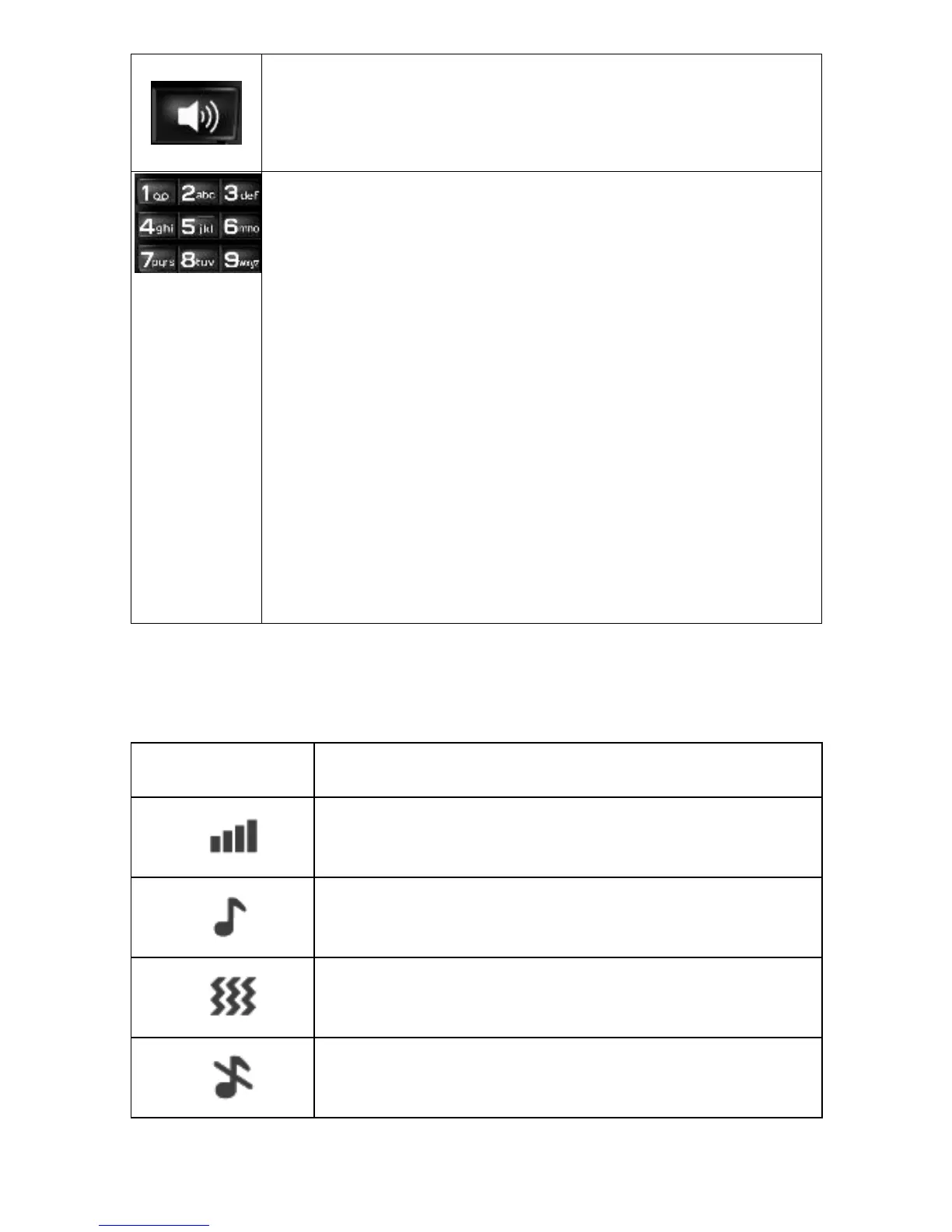
Hands Free/Loud Speaker:
Press to activate the loud speaker
function during call.
Number Keys:
When pressed momentarily, each
number key types their designated
number or letter as displayed on
the key. When “1” is pressed for 3
seconds it links to voicemail.
When 2-9 are pressed for 3
seconds they dial their allocated
speed dial number. (Please note:
users needs to program their own speed
dial numbers and speed dial needs to be
active for this feature to be used).

Display icon descriptions
Symbols
Explanation
Indicates the mobile phone
reception/service strength
Ringtone only (alert for
incoming calls/text messages)
Vibration only (alert for
incoming calls/text messages)
Indicates the Silent / Sleep
Mode is activated

Table of Contents

Related product manuals