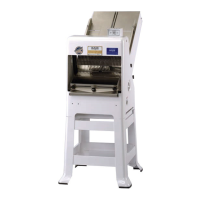
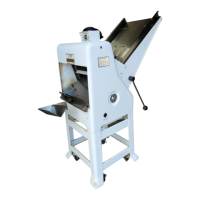
732-R FRONT LOAD SLICER
0732S20024 6-6
CAUTION
OVER-TIGHTENING THE DRIVE BELT MAY
CAUSE BEARING OR MOTOR FAILURE.
Remove the top cover by removing the six screws which secure it. Then using a
wrench, loosen but do not remove, the four nuts which secure the motor mounting plate
to the machine.
CAUTION
DO NOT REMOVE THE MOTOR PLATE NUTS COMPLETELY.
Manually lift the motor upward to tighten the belt using care to keep the centerline of the
motor perpendicular to the centerline of the belt. The belt can be loosened by carefully
moving the motor downward. The drive belt should be just tight enough, using moderate
finger pressure, to allow a 3/8 inch deflection halfway between the motor drive pulley
and the driven pulley. When desired belt tension is achieved, retighten the motor
mounting nuts securely and replace the top cover.
Replacing the Belt
WARNING
ALWAYS DISCONNECT THE SLICER FROM THE POWER SUPPLY BEFORE
ATTEMPTING ANY TYPE OF MAINTENANCE TASK.
Continued


 To Next Page