System Menu
6-42 ADVANCED OPERATION GUIDE
•Density
•Duplex
• Combine
• Collate/Offset
• Original Image
•Original Size
NOTE: Refer to the Operation Guide for the Quick Setup steps.
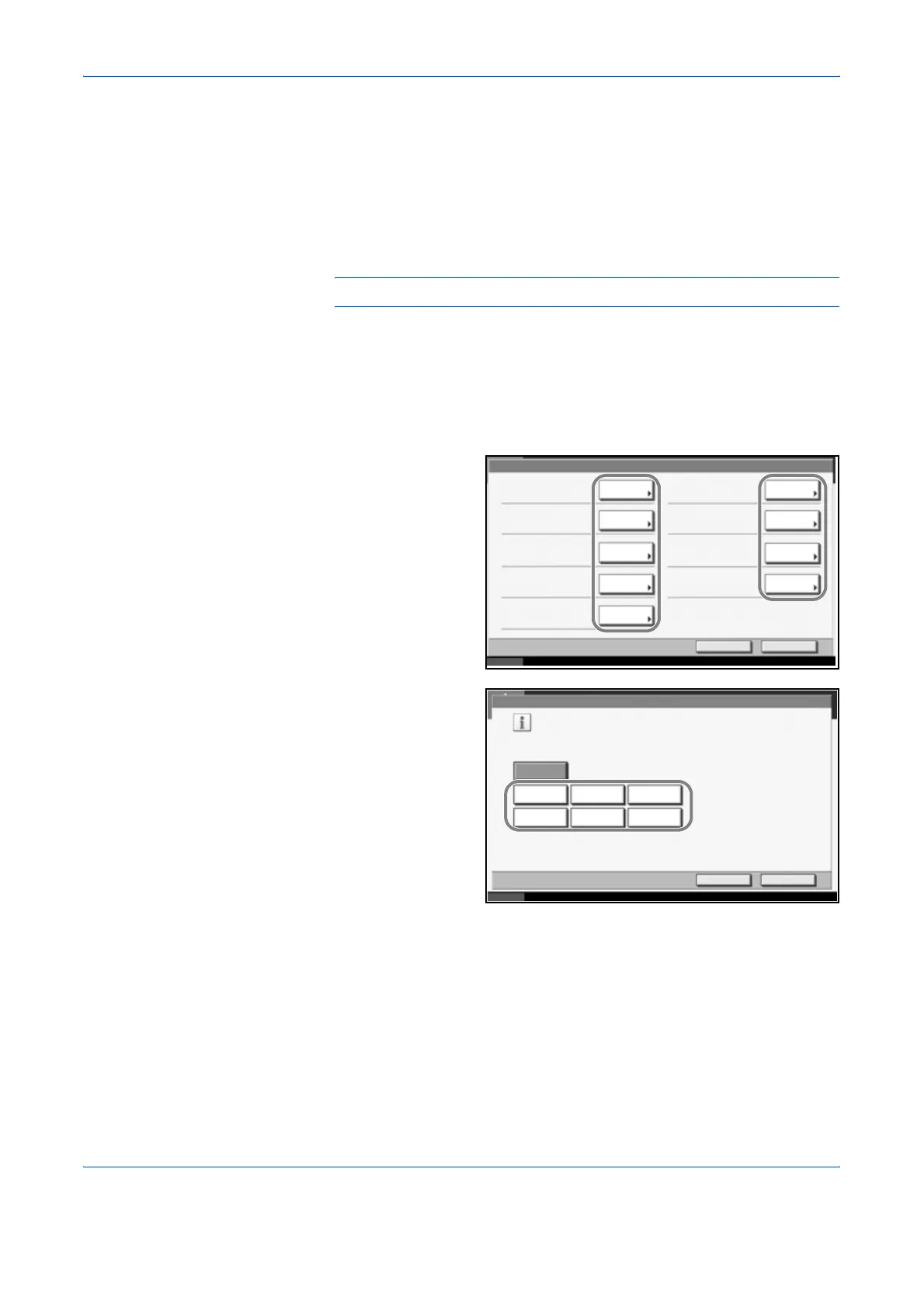
Use the procedure below to register the Quick Setup functions.
1
Press the System Menu key.
2
Press [Copy] and [Next] of Quick Setup Registration.
3
Press [Change] of
the function to be
registered in Quick
Setup.
4
Select a key (1-6)
allocated on the
Quick Setup
Registration screen.
Press [Off] to delete
a key from the Quick
Setup.
5
Press [OK]. A confirmation screen appears. Press [Yes].
Copy - Quick Setup Registration
Change
Paper Selection:
Key 1
Change
Change
ChangeChange Combine:
Key 6
Duplex :
Key 5
Status 10/10/2007 10:10
Zoom :
Key 2
ChangeCollate/Offset:
Off
ChangeOriginal Image:
Off
ChangeOriginal Size:
Off
Density:
Key 4
Change
Staple:
Key 3
CloseReturn to Top
Status 10/10/2007 10:10
Key 1
Cancel OK
Off
Key 2 Key 3
Key 4 Key 5
Key 6
Copy - Paper Selection
Register Paper Selection function on the Quick Setup screen.












 To Next Page