Copying Functions
ADVANCED OPERATION GUIDE 1-49
1
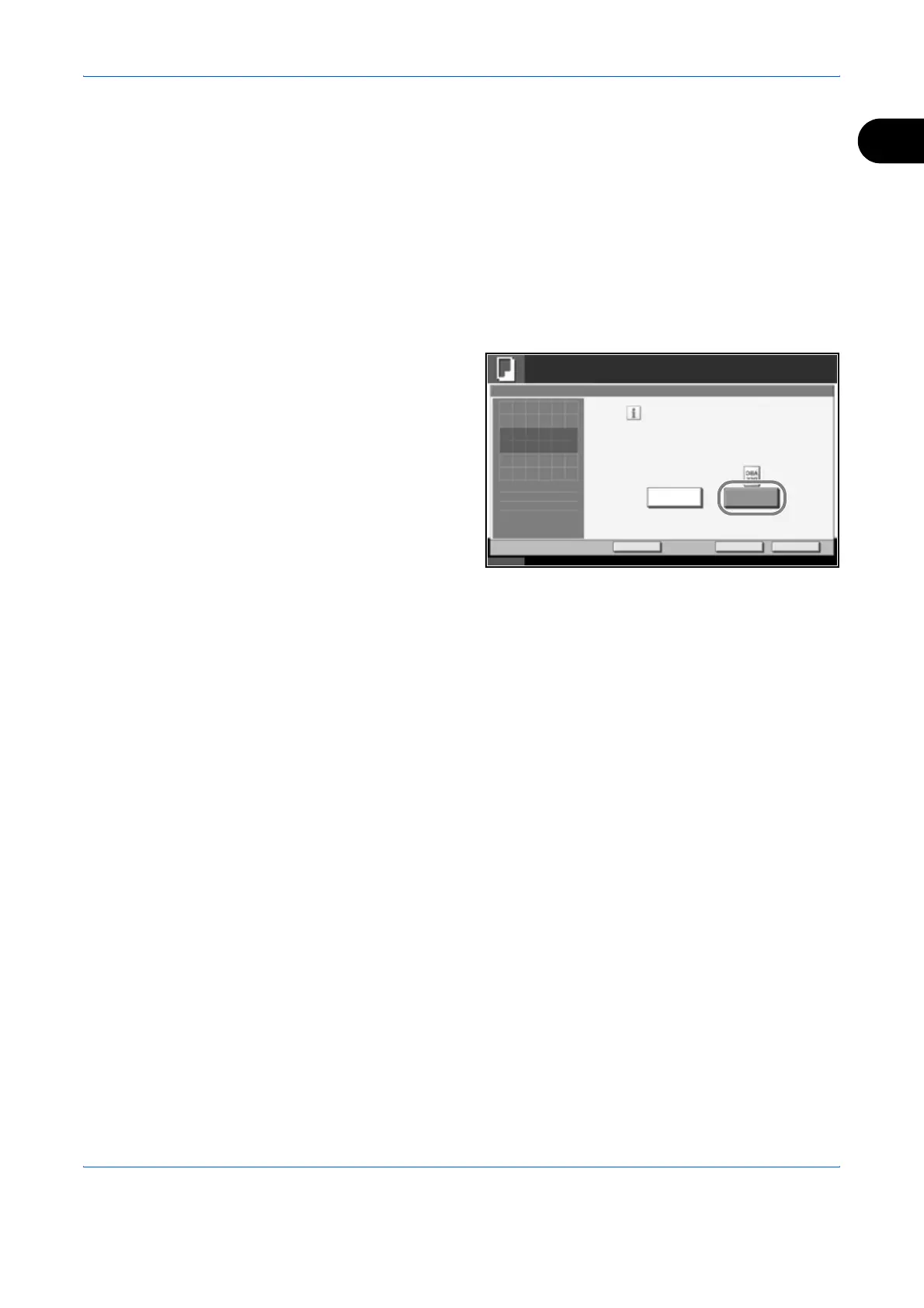
Mirror Image
Copies the mirrored image of the original.
Use the procedure below to make mirror image copies.
1
Place the originals on the platen.
2
Press the Copy key.
3
Press [Advanced Setup] and then [Mirror Image].
4
Press [On] to select
Mirror Image.
5
Press [OK].
6
Press the Start key to start copying.
Status 10/10/2007 10:10
Ready to copy.
Copies
Cancel
OK
Mirror Image
Press [OK] to display
Add Shortcut
Off
Print left-right mirrored copies
of original.
On
1
the image.












 To Next Page