Copying Functions
1-14 ADVANCED OPERATION GUIDE
Staple
Use this feature to staple your finished copies.
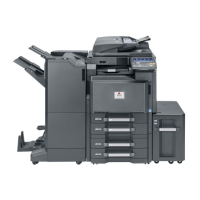
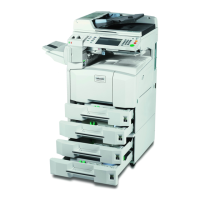
NOTE: Stapling requires the optional document finisher or built-in
finisher.
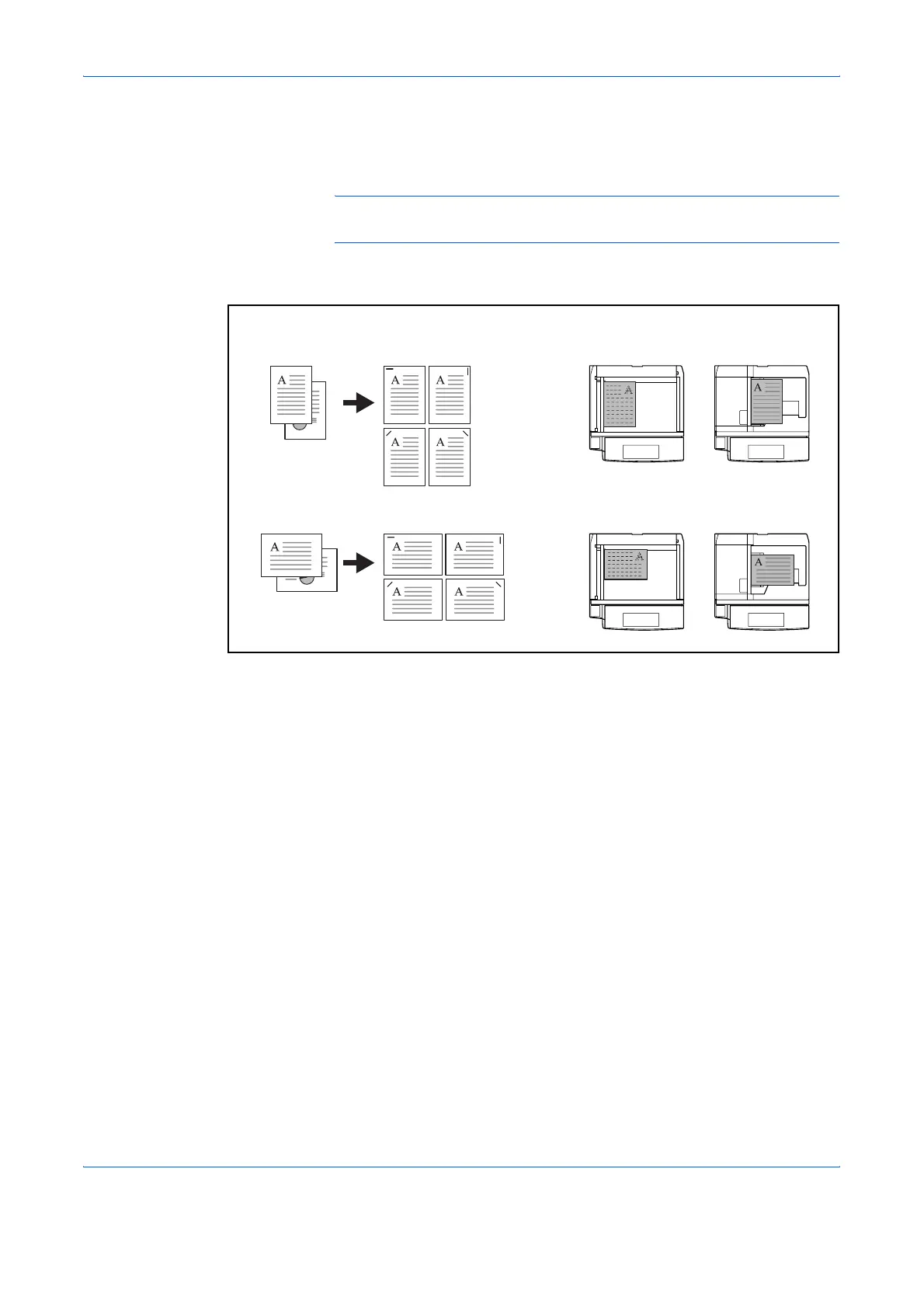
The following stapling options and orientations are available.
Use the procedure below to produce stapled copies.
1
Press the Copy key.
2
Press [Org./Paper/Finishing] and then [Staple].
Original
Document processorPlaten
Orientation of OriginalCopy
Document finisher
Built-in finisher
Document finisher
Built-in finisher



 To Next Page