System Menu
ADVANCED OPERATION GUIDE 6-59
6
Printing Reports/Sending Notice
Print reports to check the machine settings and status. Default settings for
printing the result reports can also be configured.
Printing Reports
Printable reports are as follows.
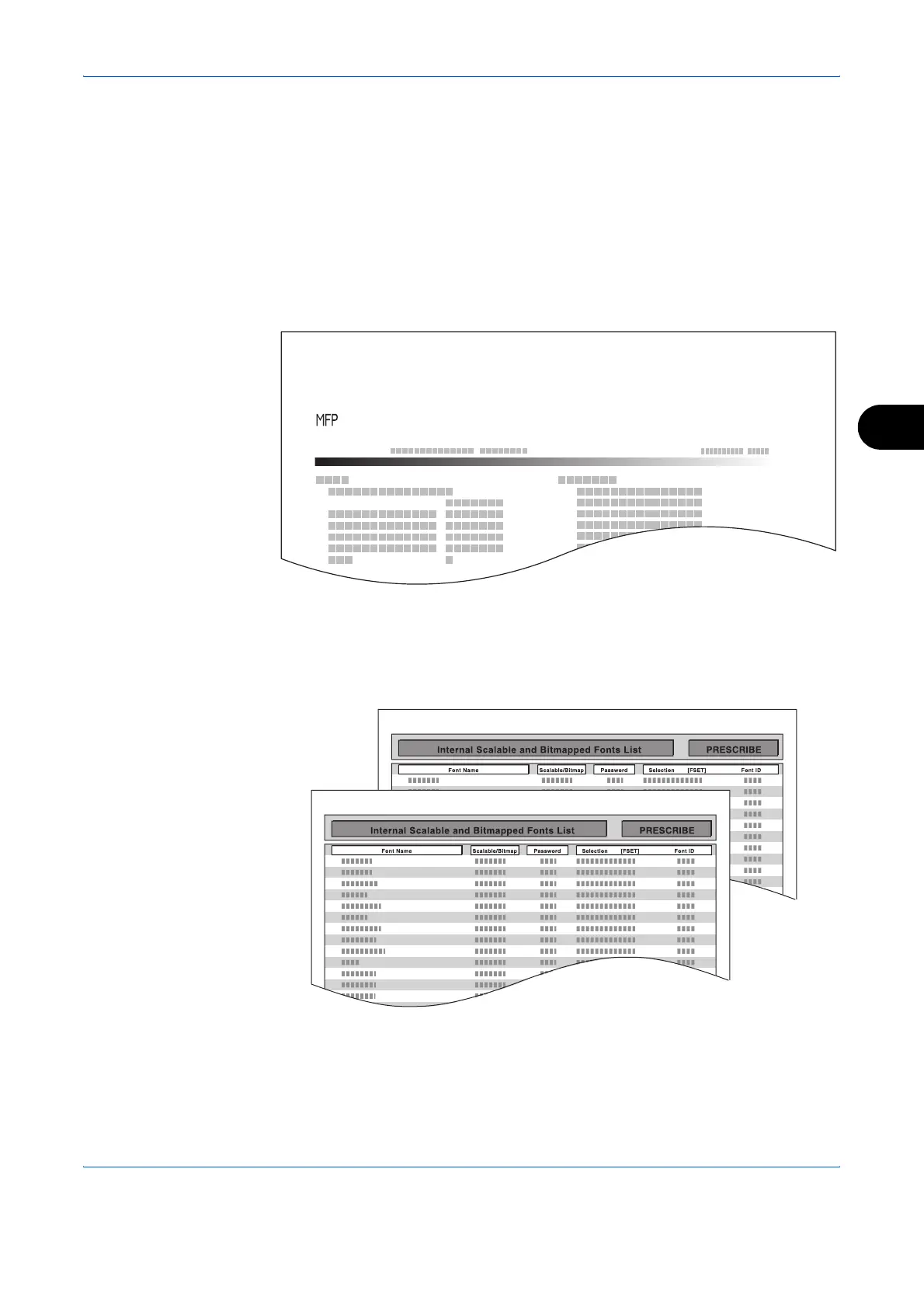
Status Page
Check the information including current settings, available memory space,
and optional equipment installed.
Font List
Check the font samples installed in the machine.
Status Page
d-Copia 3000MF
Firmware Version












 To Next Page