System Menu
6-68 ADVANCED OPERATION GUIDE
3
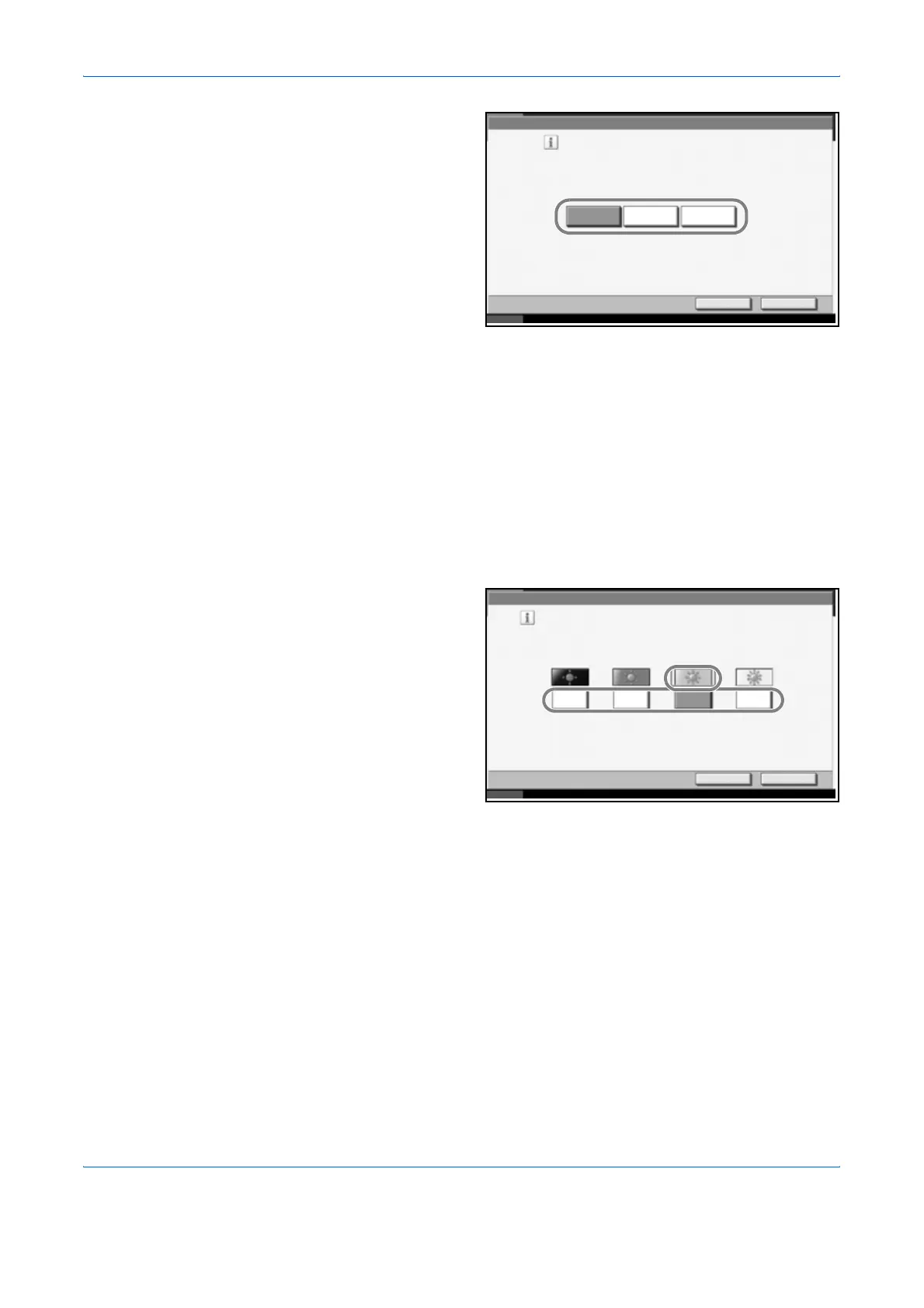
Press [Off],
[On(Low)] or
[On(High)].
4
Press [OK].
Display Brightness
Set the brightness of the touch panel.
Use the procedure below to adjust the display brightness.
1
Press the System Menu key.
2
Press [T], [Adjustment/Maintenance] and [Change] of Display Brightness.
3
Press [1] - [4]
(Darker- Lighter) to
adjust brightness.
4
Press [OK].
Silent Mode
Make the machine run more quietly. Select this mode when the running
noise is uncomfortable.
Use the procedure below to set Silent mode.
1
Press the System Menu key.
2
Press [T], [Adjustment/Maintenance] and [Change] of Silent Mode.
Adjustment/Maintenance - Correcting Fine Black Line
Cancel OK
Status 10/10/2007 10:10
Reduce the visibility of fine black lines if they
appear in a scanned image .
*Small characters will also become less visible.
Off On(Low) On(High)
Adjustment/Maintenance - Display Brightness
Cancel OK
Status 10/10/2007 10:10
Set the brightness of the screen .
1
Darker Lighter
2 3 4












 To Next Page