Copying Functions
ADVANCED OPERATION GUIDE 1-41
1
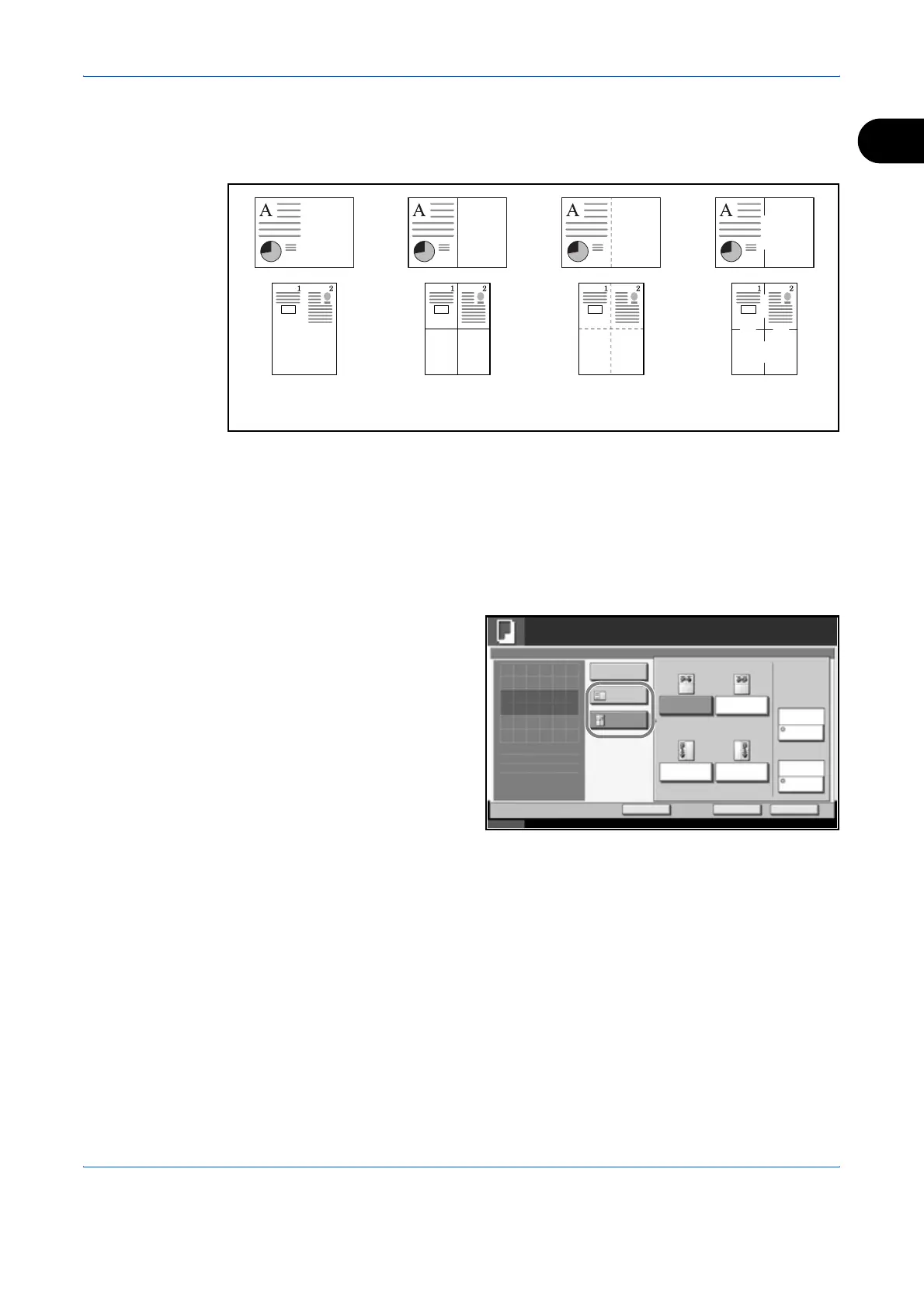
Types of Page Boundary Lines
The following boundary lines are available.
Use the procedure below to insert page boundary lines on your copies.
1
Place the originals on the platen.
2
Press the Copy key.
3
Press [Layout/Edit] and then [Memo Page].
4
Press [Layout A] or
[Layout B]. Select
the page layout from
Layout.
5
Press [Border Line] to select the page boundary line. Press [OK].
6
Press [Original Orientation] to select orientation of the originals, either [Top
Edge Top] or [Top Edge Left]. Press [OK].
7
Press [OK].
8
Press the Start key to start copying.
None DottedSolid Borders
(Cropmark)
Status 10/10/2007 10:10
Ready to copy.
Copies
Cancel OK
Memo Page
Press [OK] to display
Add Shortcut
Off
Layout B
Top Edge Top
Original
Orientation
Layout A
None
Border Line
Upper
R to L
Right
T to B
Left
T to B
Upper
L to R
Layout
1
the image.












 To Next Page