Copying Functions
ADVANCED OPERATION GUIDE 1-57
1
NOTE: If the program cannot be recalled, the Document Box or the form
overlay specified in the program might have been deleted. Check the
Document Box.
3
Place the originals and press the Start key. Copying is performed
according to the registered program.
Editing and Deleting Programs
You can change program number and program name, or delete program.
Use the procedure below to edit or delete a program.
1
Press the Program key.
2
Press [Edit] and press the key(s) corresponding to the program number (01
to 50) to change or delete.
3
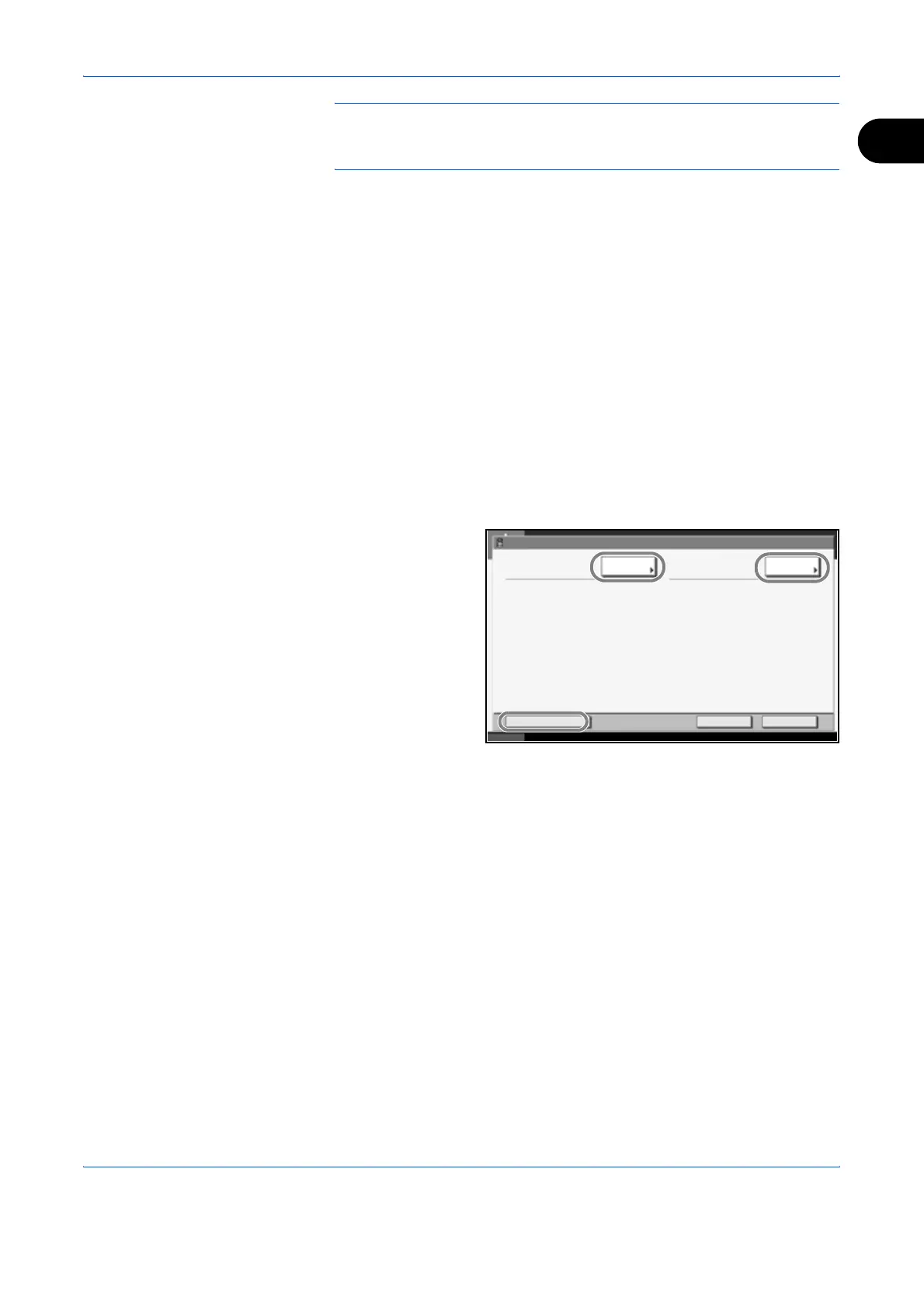
To edit a program, use the procedure for registering a program and press
[Change]. Then change the program number and program name and press
[Register]. Choose [Yes] in the confirmation screen to change the program.
To delete the
program, press
[Delete this
Program]. Choose
[Yes] in the
confirmation screen
to finally delete the
program.
Program Detail:
No. Name:
Change Change
Delete this Program Cancel
Status
10/10/2007 10:10
Register
01 2 in 1












 To Next Page