Copying Functions
ADVANCED OPERATION GUIDE 1-59
1
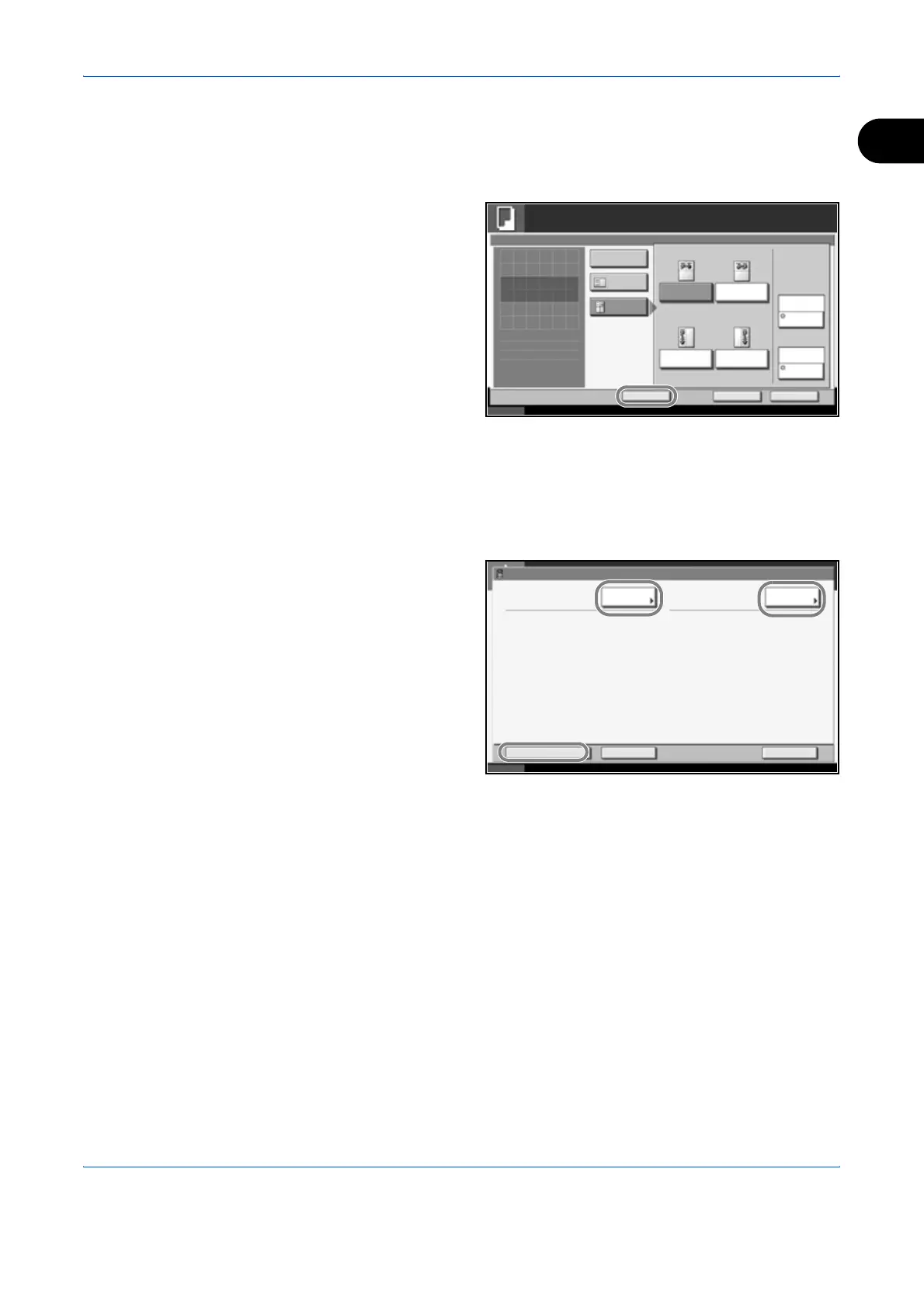
Editing and Deleting Shortcuts
Follow the steps as below to change shortcut number/name or delete
shortcut.
1
In the setup screen
of each function,
press [Add Shortcut]
in the bottom of the
screen.
2
Press [Edit] and press the keys corresponding to the shortcut number (01
to 06) to change or delete.
3
To edit a shortcut, use the procedure for registering the shortcut and press
[Change]. Then change the shortcut button number and name and press
[Register].
To delete the
shortcut, press
[Delete this
Shortcut]. Choose
[Yes] in the
confirmation screen
to delete the
shortcut.
Status 10/10/2007 10:10
Ready to copy.
Copies
Cancel OK
Memo Page
Press [OK] to display
Add Shortcut
Off
Layout B
Top Edge Top
Original
Orientation
Layout A
None
Border Line
Upper
R to L
Right
T to B
Left
T to B
Upper
L to R
Layout
1
the image.
Shortcut:
01
Cancel Register
Status 10/10/2007 10:10
Delete this Shortcut
Change Change
01 2in1
Shortcut No.: Shortcut Name :












 To Next Page