Sending Functions
2-10 ADVANCED OPERATION GUIDE
4
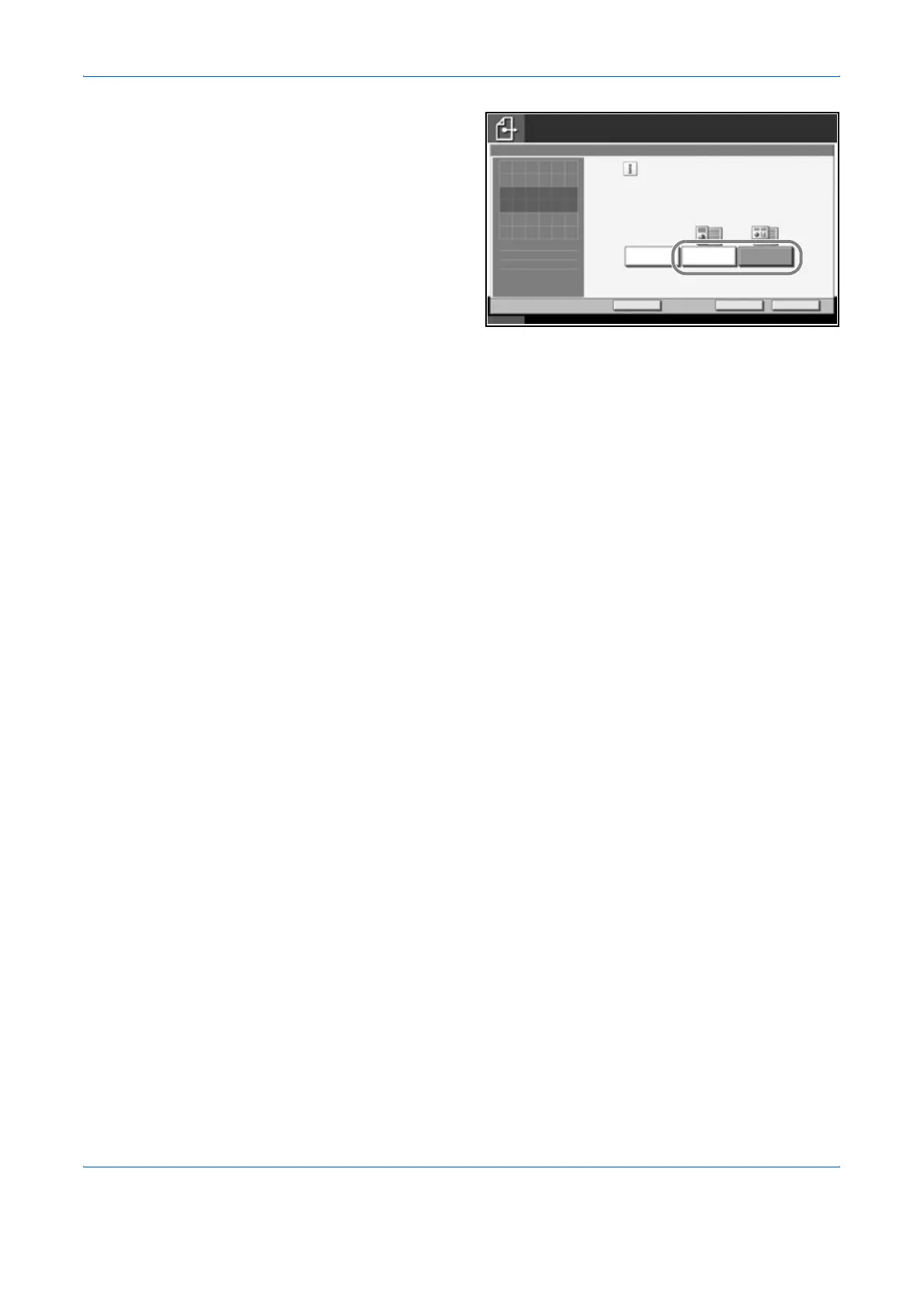
Select the
combination of
originals from
[Same Width] and
[Diff Width].
5
Press [OK].
6
Specify the destination, and press the Start key to start sending.
Status 10/10/2007 10:10
Destination
Add Shortcut
Scanall sheetsin documentprocessor,
evenifdifferentlysized,then send.
*Up to 30sheetscanbe placedin
documentprocessor.
Cancel OK
Off SameWidth
Mixed SizedOriginals
DiffWidth
1
Press[OK]to display
the image.
Ready to send.












 To Next Page