Document Box
OPERATION GUIDE 6-3
6
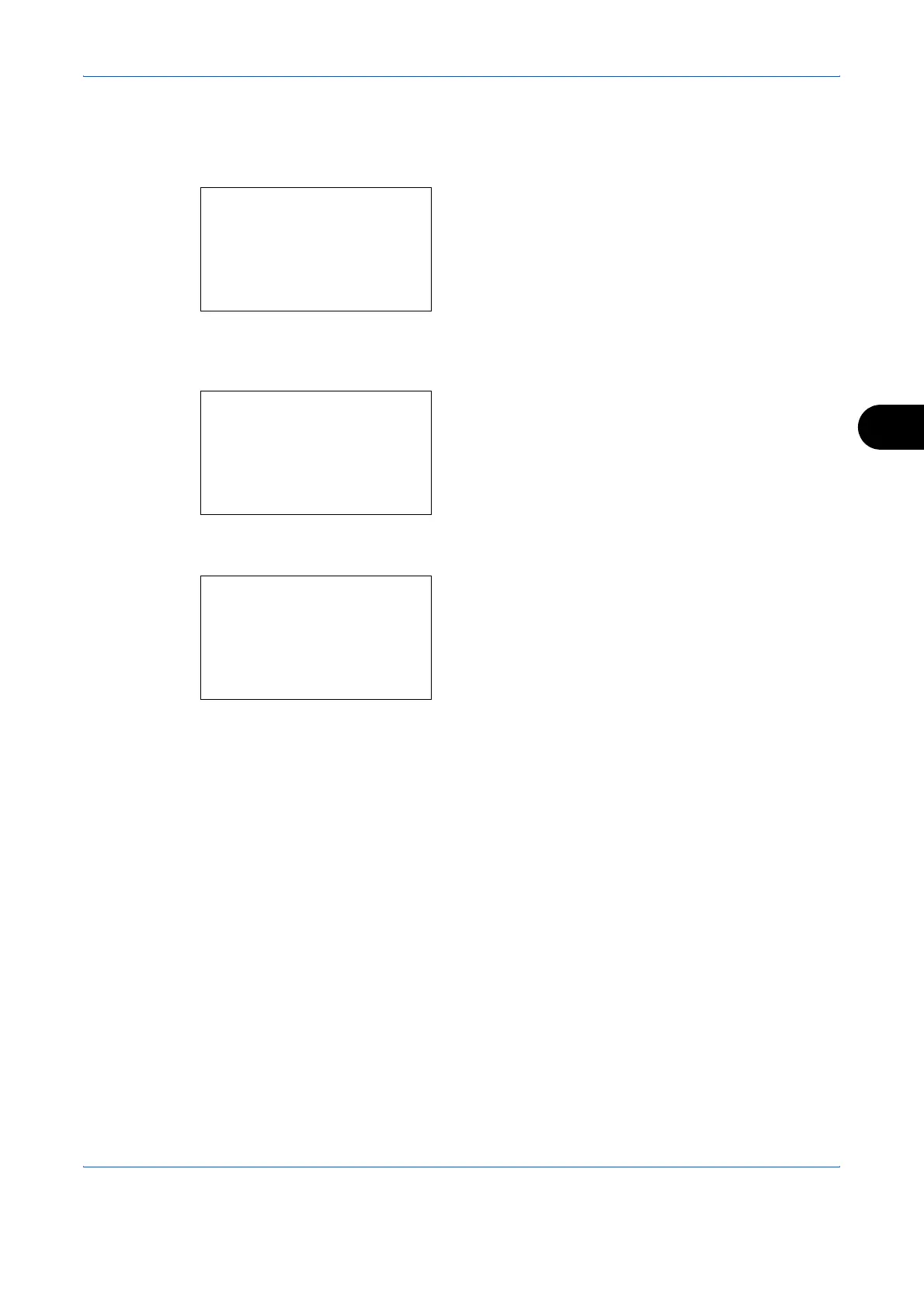
Select a folder and press the OK key to view the
files in the folder. Documents in the top 3 folder
levels including the root directory can be viewed.
6 Press [Select] (the Right Select key). The selected
file name is indicated by a checkmark next to it.
When you want to print additional files, repeat
steps 5 to 6 to select them.
7 Press the OK key. A menu appears.
8 Press the U or V key to select [Print].
9 Press the OK key. The basic screen appears.
Change the number of copies, 1-sided/2-sided
printing, etc., as necessary. For changing print
settings, refer to Copying on page 3-9 and
Copying Functions on page 4-1.
10
Press the Start key. Printing of the selected file
begins.
USB Memory:
a
b
N
Store File
i
Folder-1
*********************
[ Menu ] [ Select ]
j
File-1
g
USB Memory:
a
b
*********************
2
Delete
1
Print
Ready to print.
Copies: 1
A4
q
sA
A4
a
[][ ]




 To Next Page