Default Setting (System Menu)
OPERATION GUIDE 8-3
8
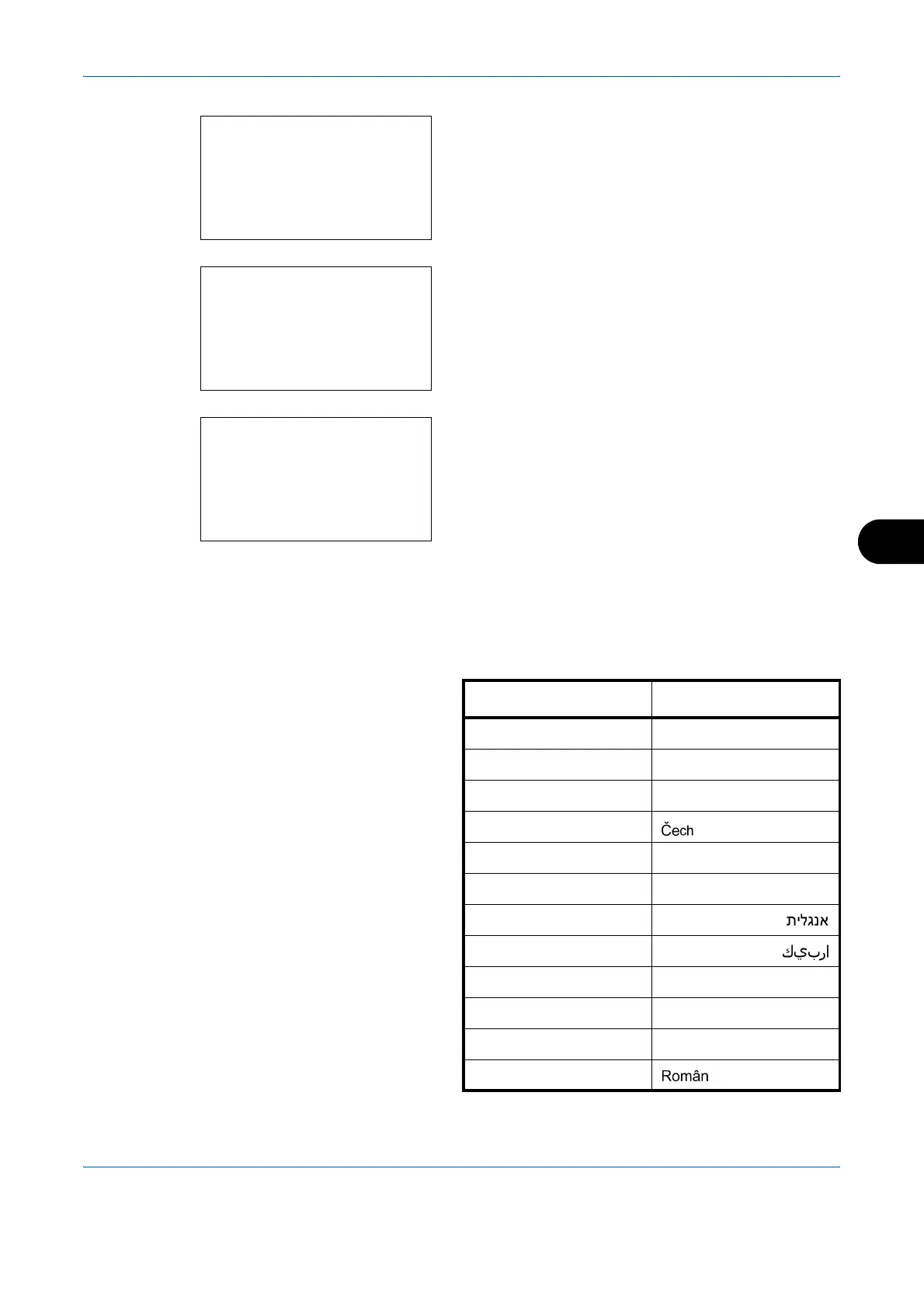
1 In the Sys. Menu/Count. menu, press the U or V
key to select [Common Settings].
2 Press the OK key. The Common Settings menu
appears.
3 Press the U or V key to select [Language].
4 Press the OK key. The Language menu appears.
The available languages are as follows:
English
Deutsch
Français
Español
Italiano
Nederlands
Português
The optional languages are as follows:
Sys. Menu/Count.:
a
b
4
User/Job Account
5
User Property
*********************
[ Exit ]
6
Common Settings
Common Settings:
a
b
*********************
2
Default Screen
3
Sound
[ Exit ]
1
Language
Language:
a
b
*********************
2
Deutsch
3
Français
1
*English
Optional language Message display
Turkish Türkçe
Greek Ελληνικά
Polish Polski
Czech
Hungarian Magyar
Finnish Suomi
Hebrew
Arabic
Swedish Svensk
Danish Dansk
Norwegian Norsk
Romanian
Русский










 To Next Page