Default Setting (System Menu)
8-18 OPERATION GUIDE
For Custom 1-8, settings for duplex printing and media type name can be changed.
Use the procedure below to set the paper weight.
1 In the Sys. Menu/Count. menu, press the U or V
key to select [Common Settings].
2 Press the OK key. The Common Settings menu
appears.
3 Press the U or V key to select [Orig./Paper Set.].
Cardstock ××××zzzz
Color zzzz××××
Prepunched zzzz××××
Letterhead zzzz××××
Thick ××××zzzz
Envelope ××××zzzz
High Quality zzzz××××
Custom 1-8 zzzzzzzz
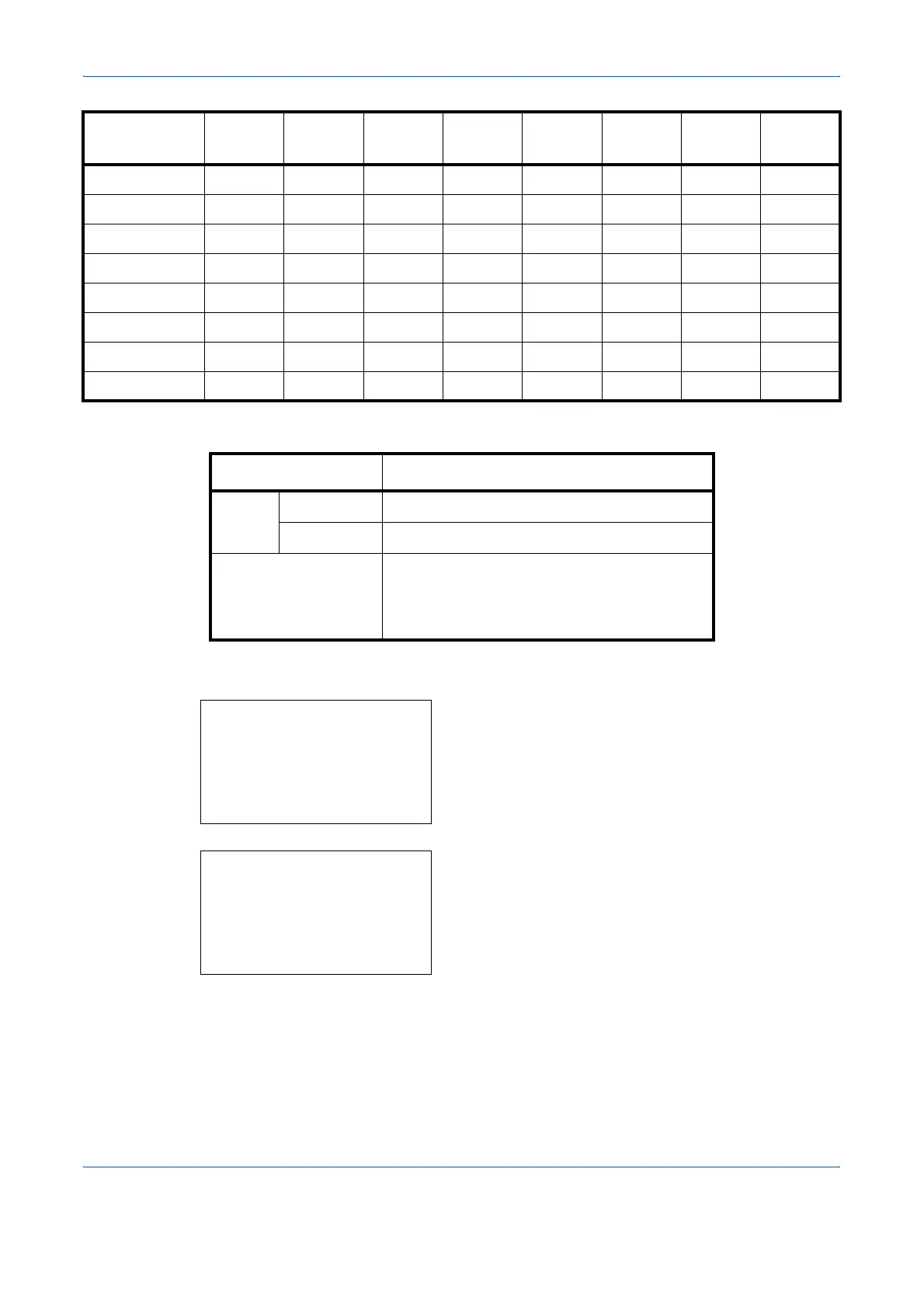
Item Description
Duplex Prohibit Duplex printing not allowed.
Permit Duplex printing allowed.
Name Change names for Custom 1-8. Names
should be not more than 16 characters.
Selecting media type at multi purpose tray,
the name after change will be displayed.
Paper Weight Light Normal 1 Normal 2 Normal 3 Heavy 1 Heavy 2 Heavy 3
Extra
Heavy
Sys. Menu/Count.:
a
b
4
User/Job Account
5
User Property
*********************
[ Exit ]
6
Common Settings
Common Settings:
a
b
*********************
2
Default Screen
3
Sound
[ Exit ]
1
Language










 To Next Page