Default Setting (System Menu)
8-122 OPERATION GUIDE
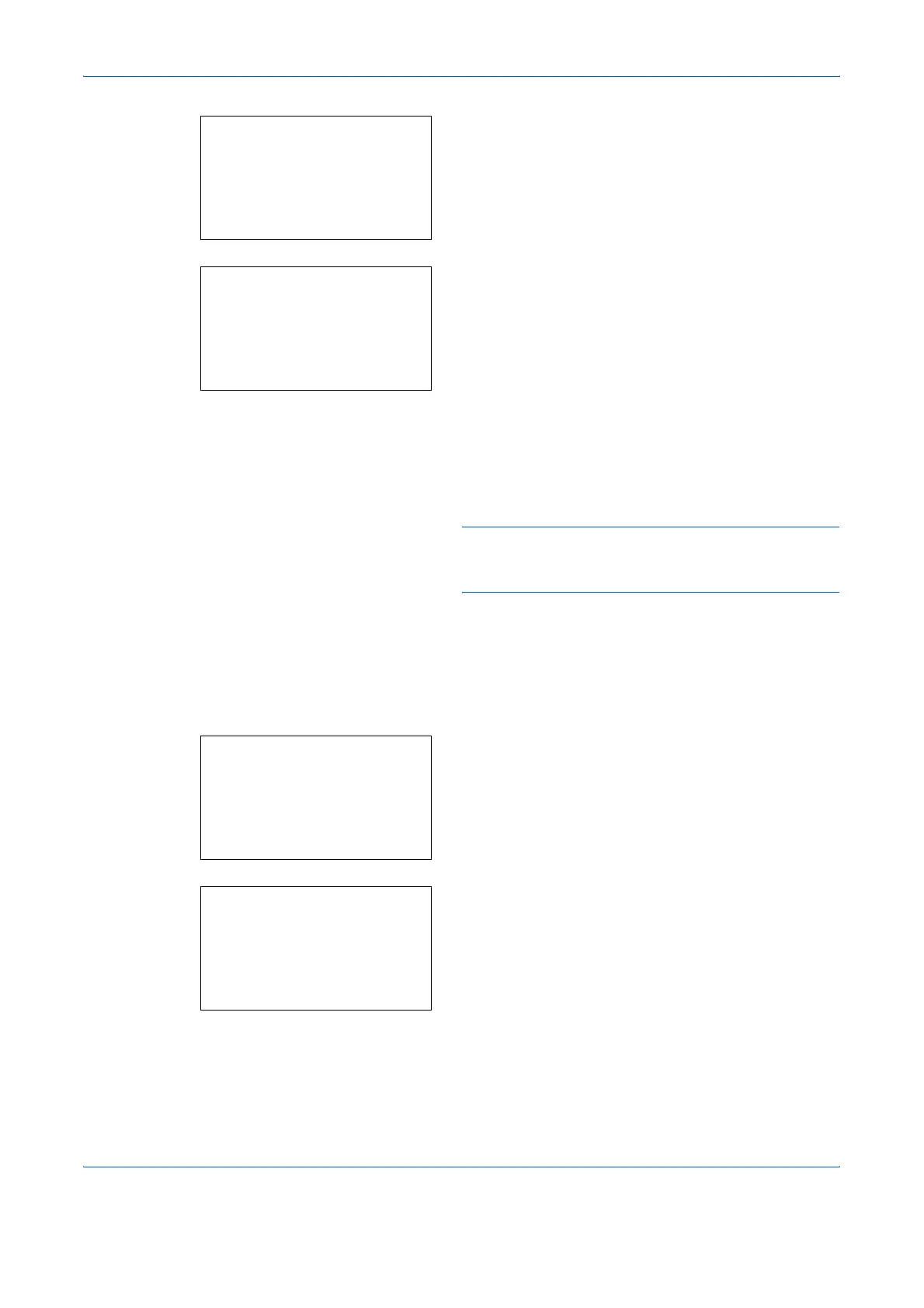
1 Press the Y or Z key to display Address Number.
2 Press [Edit] (the Right Select key). An entry
screen appears.
3 Press the U or V key or the numeric keys to enter
the address number.
4 Press the OK key. The address number is
registered.
NOTE: If you enter an address number that is already
registered, the screen will display This address number
is already registered. and return to the screen of step 2.
Editing a Destination
Edit/delete the destinations (individuals) you added to the Address Book.
Use the procedure below to edit a destination.
1 In the Sys. Menu/Count. menu, press the U or V
key to select [Edit Destination].
2 Press the OK key. The Edit Destination menu
appears.
3 Press the U or V key to select [Address Book].
Detail:
C
b
Address Number: 4/4
019
[ Edit ]
Address Number:
D
b
(001 - 120)
*****053*
Sys. Menu/Count.:
a
b
;
Document Box
*********************
=
Adjust/Maint.
[ Exit ]
<
Edit Destination
Edit Destination:
a
b
*********************
2
Print List
[ Exit ]
1
Addressbook










 To Next Page