Management
11-12 OPERATION GUIDE
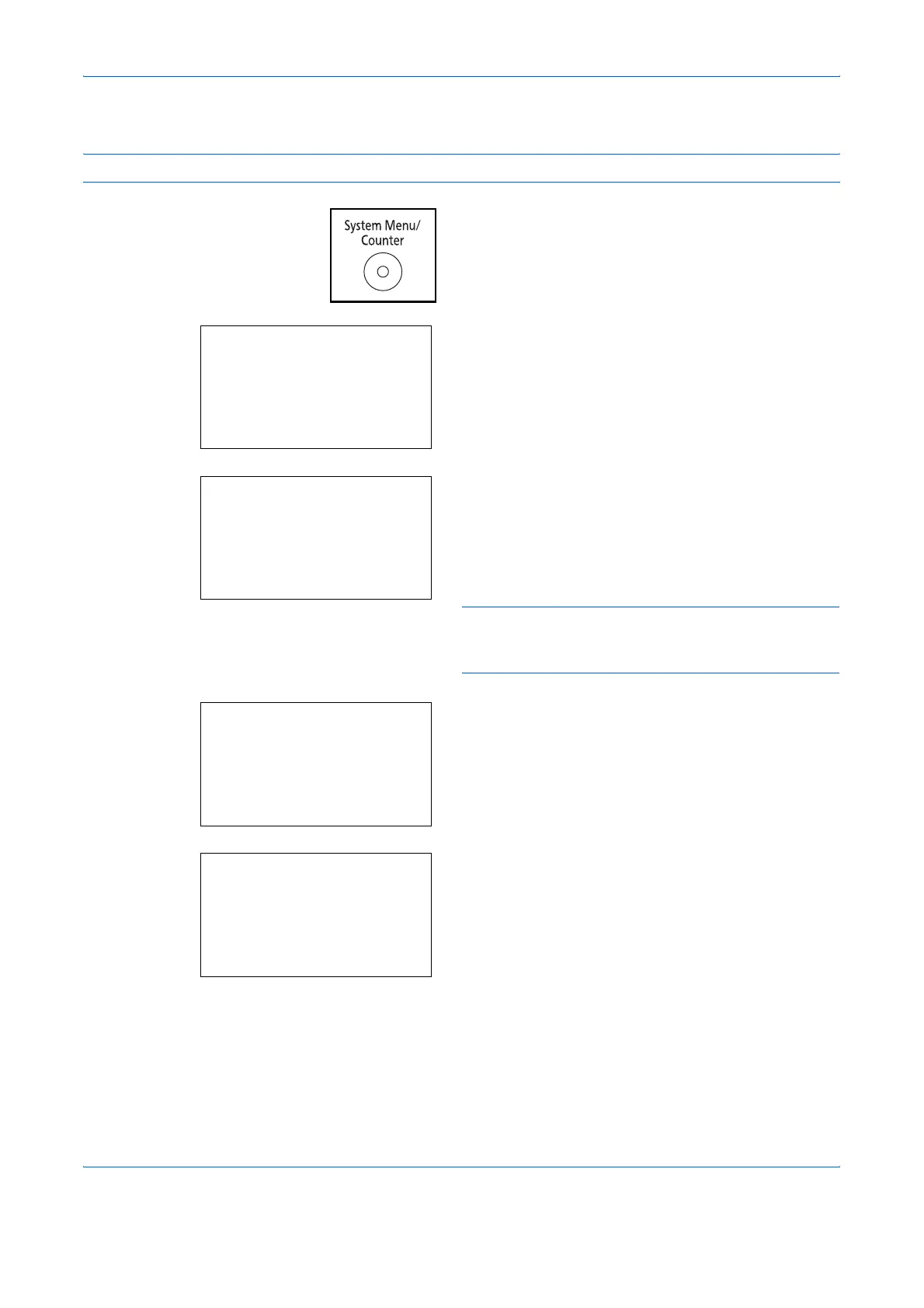
Use the procedure below to process jobs sent from unknown users.
NOTE: Refer to Character Entry Method on Appendix-5 for details on entering characters.
1 Press the System Menu/Counter key on the main
unit operation panel.
2 In the Sys. Menu/Count. menu, press the U or V
key to select [User/Job Account], and then press
the OK key.
3 If user login administration is disabled, the user
authentication screen appears. Enter your login
user name and password and then press [Login].
For this, you need to log in with administrator
privileges. Refer to Adding a User on page 11-6 for
the default login user name and password.
NOTE: If [Netwk Authentic.] is selected as the user
authentication method, press [Menu] (the Left Select
key) to select the authentication destination.
4 In the User/Job Account menu, press the U or V
key to select [Unknown ID Job].
5 Press the OK key. Unknown ID Job appears.
6 Press the U or V key to select [Reject] or [Permit].
7 Press the OK key.
Completed. is displayed and the screen returns to
the User/Job Account menu.
Sys. Menu/Count.:
a
b
*********************
5
User Property
6
Common Settings
[ Exit ]
4
User/Job Account
Login User Name
L
b
*******************
Login Password:
[ Menu ] [ Login ]
User/Job Account:
a
b
1
User Login Set.
2
Job Account. Set.
*********************
[ Exit ]
3
Unknown ID Job
Unknown ID Job:
a
b
*********************
2
Permit
1
*Reject










 To Next Page