Preparation before Use
OPERATION GUIDE 2-39
2
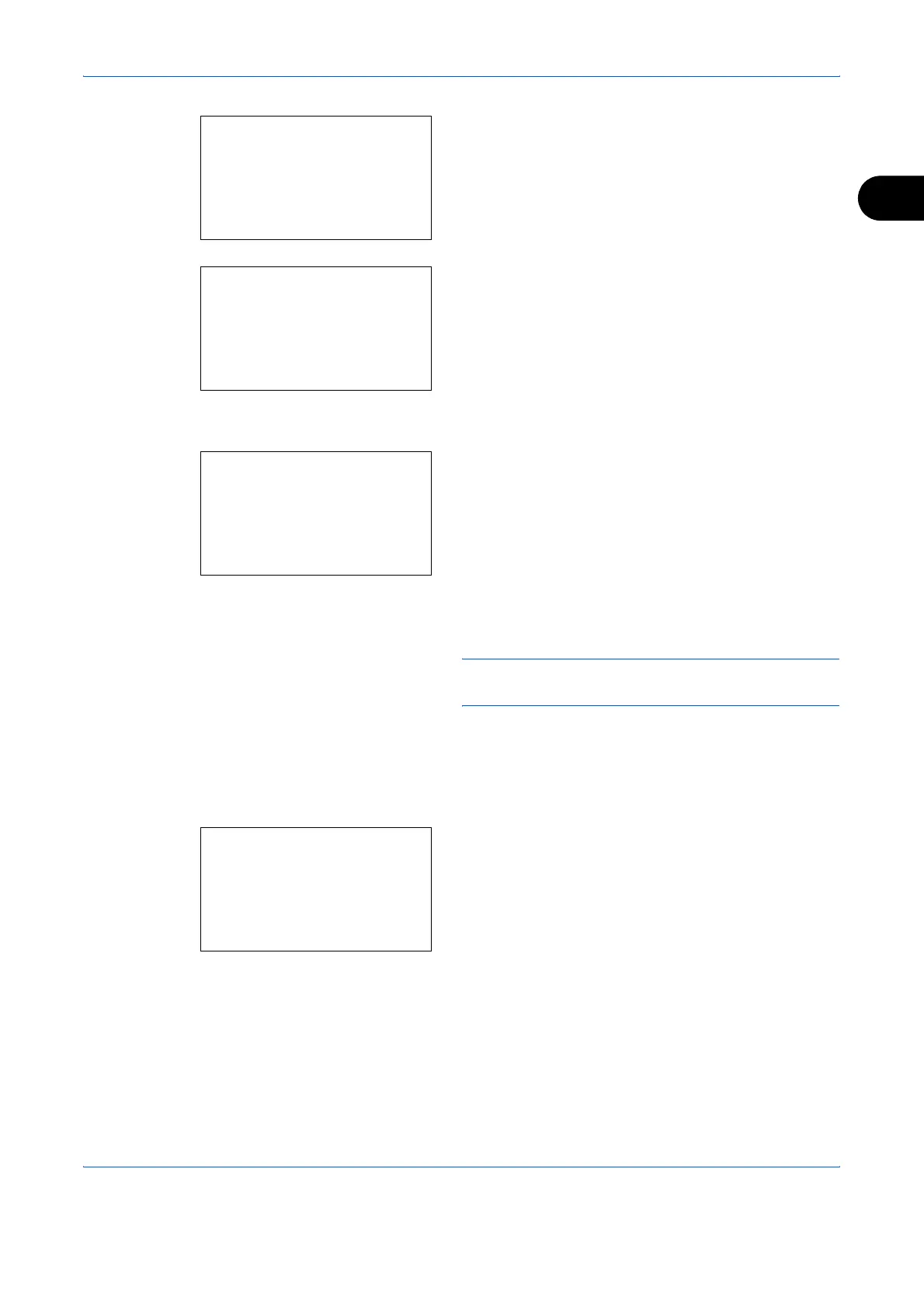
2 In the Sys. Menu/Count. menu, press the U or V
key to select [Common Settings].
3 Press the OK key. The Common Settings menu
appears.
4 Press the U or V key to select [Orig./Paper Set.].
5 Press the OK key. The Orig./Paper Set. menu
appears.
6 Press the U or V key to select from [Cassette 1
Set.] to [Cassette 3 Set.].
NOTE: [Cassette 2] and [Cassette 3] are shown when
the optional cassettes are installed.
Follow the steps below when you select the main
unit cassette (Cassette 1). Operate in a similar
fashion when you select an optional cassette
(Cassette 2 or 3).
7 Press the OK key. The Cassette 1 Set. menu
appears.
8 Press the U or V key to select [Cassette 1 Size].
Sys. Menu/Count.:
a
b
5
User Property
*********************
7
Copy
[ Exit ]
6
Common Settings
Common Settings:
a
b
*********************
2
Default Screen
3
Sound
[ Exit ]
1
Language
Orig./Paper Set.:
a
b
*********************
2
Def. Orig. Size
3
Custom PaperSize
[ Exit ]
1
Custom Orig.Size
Cassette 1 Set.
:
a
b
*********************
2
Cassette 1 Type
[ Exit ]
1
Cassette 1 Size










 To Next Page