Connecting and Printing 3-7
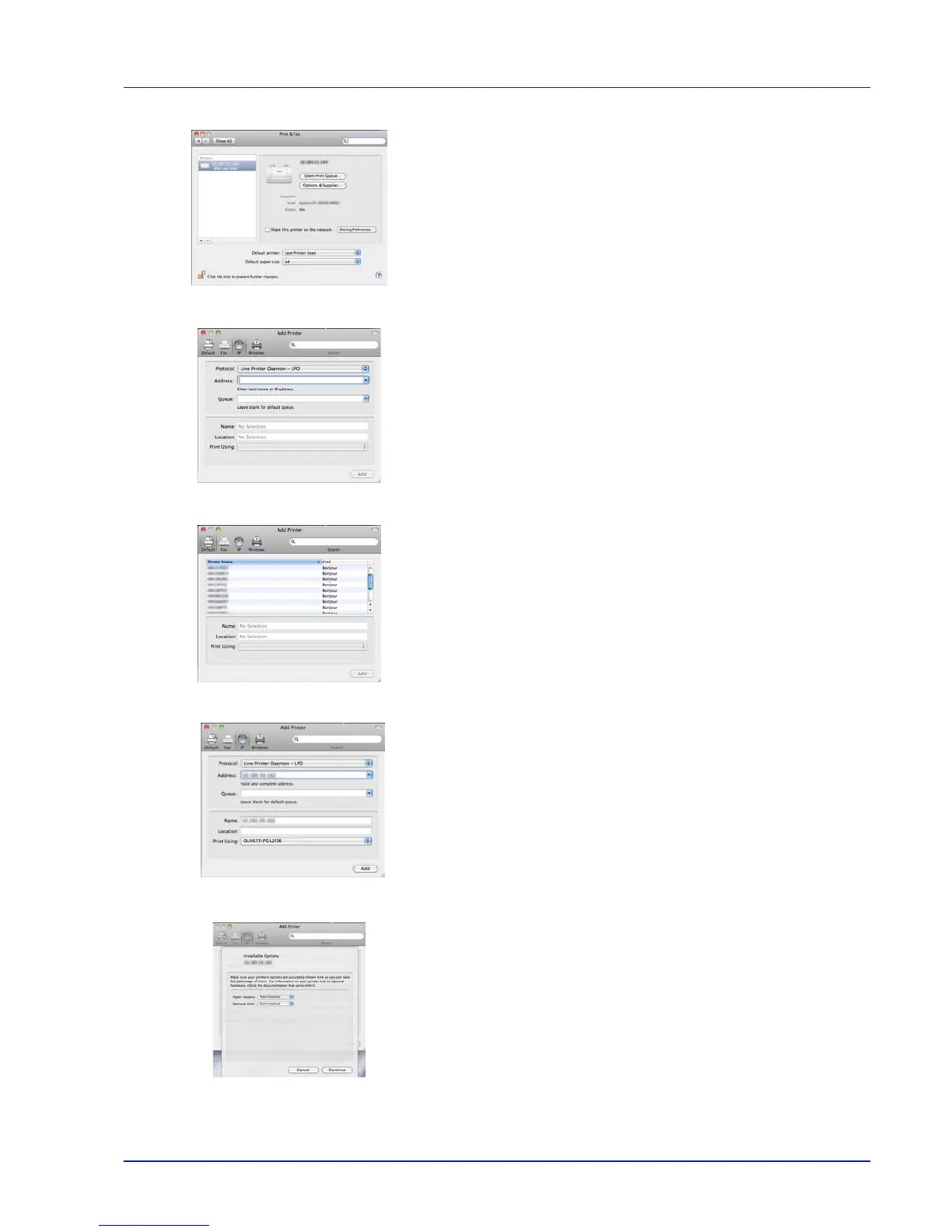
9 Click the plus symbol (+) to add the installed printer driver.
10Click the IP icon for an IP connection and then enter the IP address
and printer name.
When you click the AppleTalk icon for an AppleTalk connection,
enter the printer name.
For a Bonjour connection, click the default icon and select the printer
for which Bonjour appears in Connection.
11Select the installed printer driver and click Add.
12Select the options available for the printer and click Continue.
OLIVETTI PG L2135













 To Next Page