4-19
Printing from PC > Monitoring the Printer Status (Status Monitor)
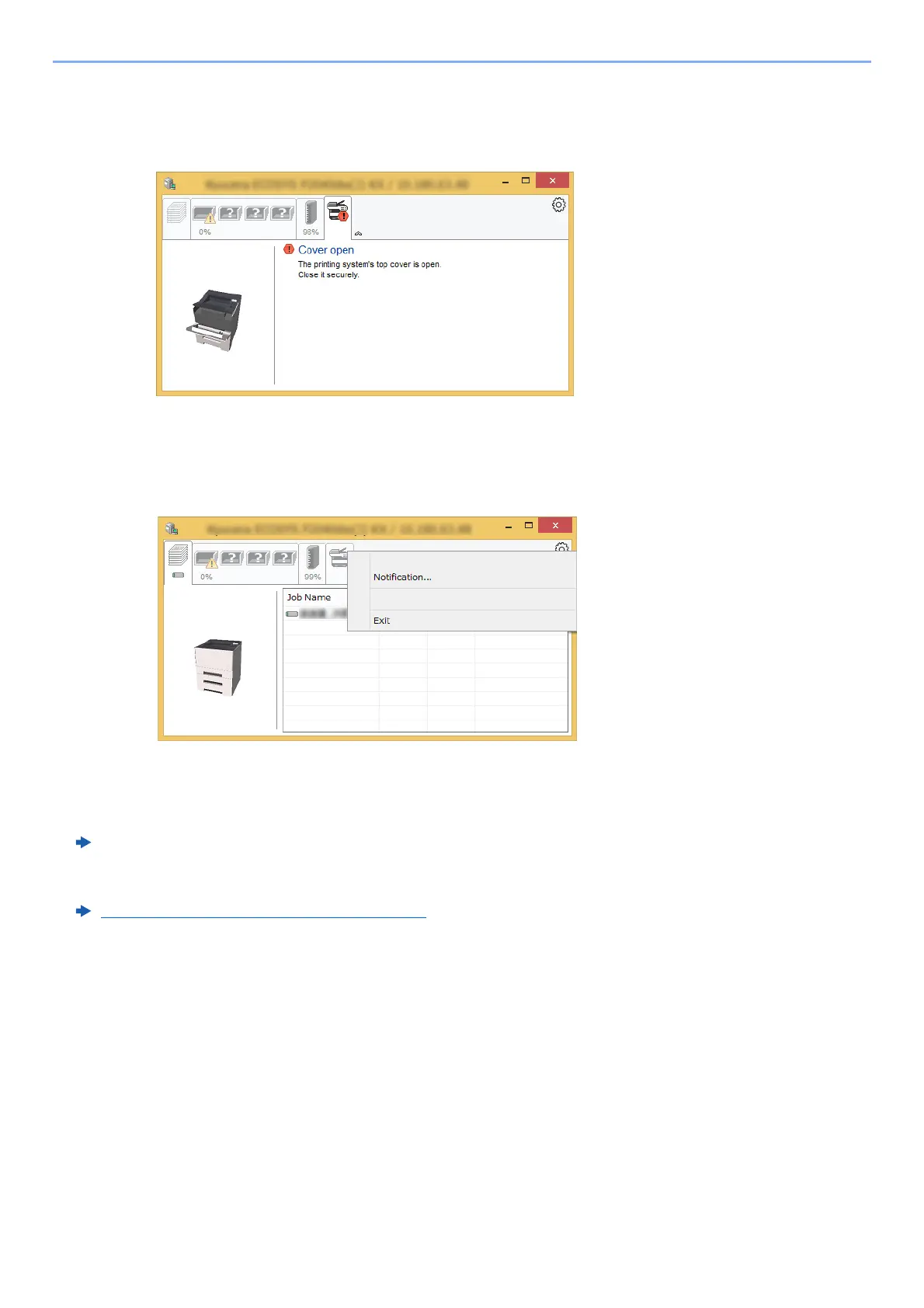
Alert Tab
If an error occurs, a notice is displayed using a 3D image and a message.
Status Monitor Context Menu
The following menu is displayed when the settings icon is clicked.
•
Embedded Web Server RX
If the printer is connected to a TCP/IP network and has its own IP address, use a web browser to access the
Embedded Web
Server RX to modify or confirm the network settings. This menu is not displayed when using
USB connection.
Embedded Web Server RX User Guide
• Notification…
This sets the display of the Status Monitor.
Status Monitor Notification Settings (page 4-20)
•Exit
Exits the Status Monitor.
v













 To Next Page