17
22
1x
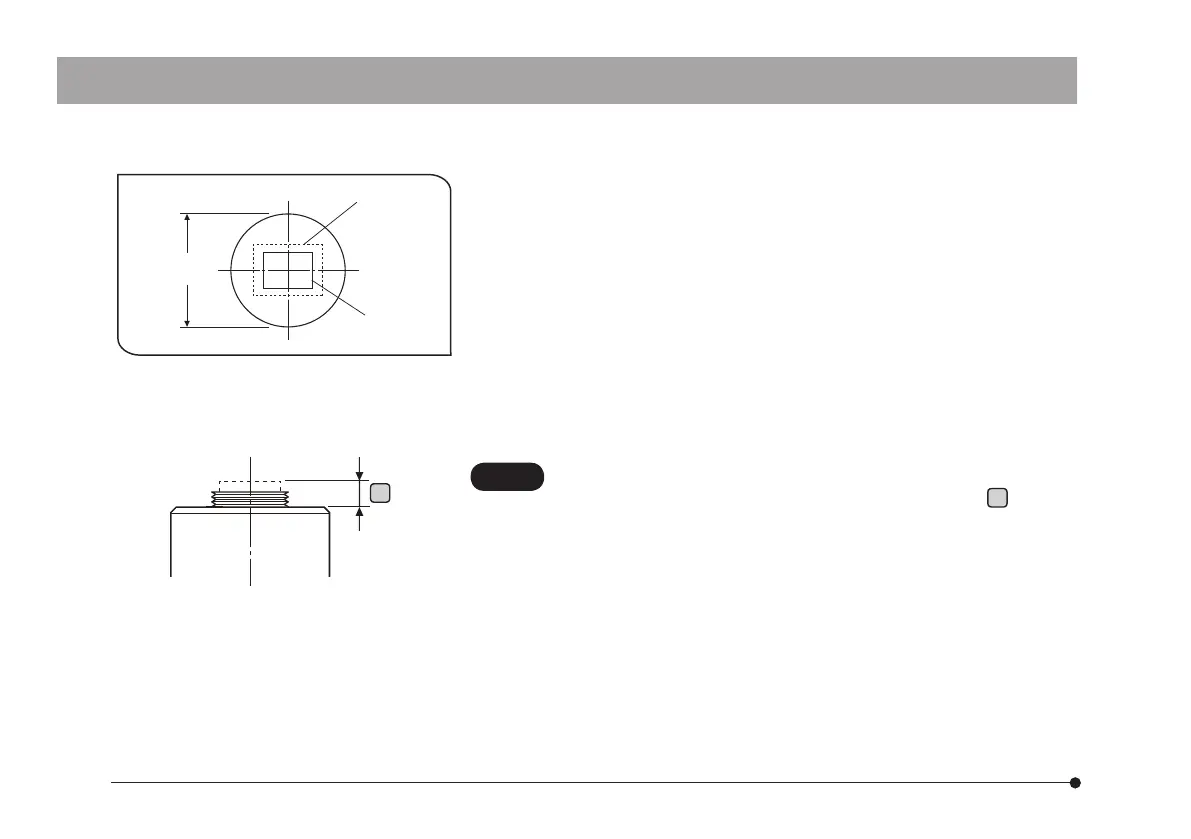
(FN 10.7)
0.63x
(FN 17)
Field number
a
} If the acquired field is as shown in left figure, use a camera
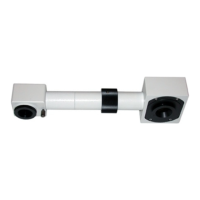
adapter having magnification of 0.5 x to 1 x. (If a 0.35 x camera
adapter is used, the peripheral part of the image will be
obscured.) If a C-mount camera adapter from other manufacturer
than Olympus is used, the optical performance of the system may
not be manifested fully.
} The view field range illustrated in left figure is a guide. Check the
actual view field range by observing the specimen equipped with
a scaling function, etc. before use.
• Be careful in using other manufacturer’s C-mount camera
adapter or C-mount lens having a thread length
a
over 4.5
mm. Otherwise, the threaded section will hit the inside of the
camera head and cause damage to it.
• Be sure to adjust the parfocality between the C-mount camera
adapter and the eyepieces. Otherwise, the image through the
camera and the image through the eyepieces are not parfocal.
For the parfocality adjustment method, refer to the instruc-
tion manual for the camera adapter in use.
CAUTION


 To Next Page