22
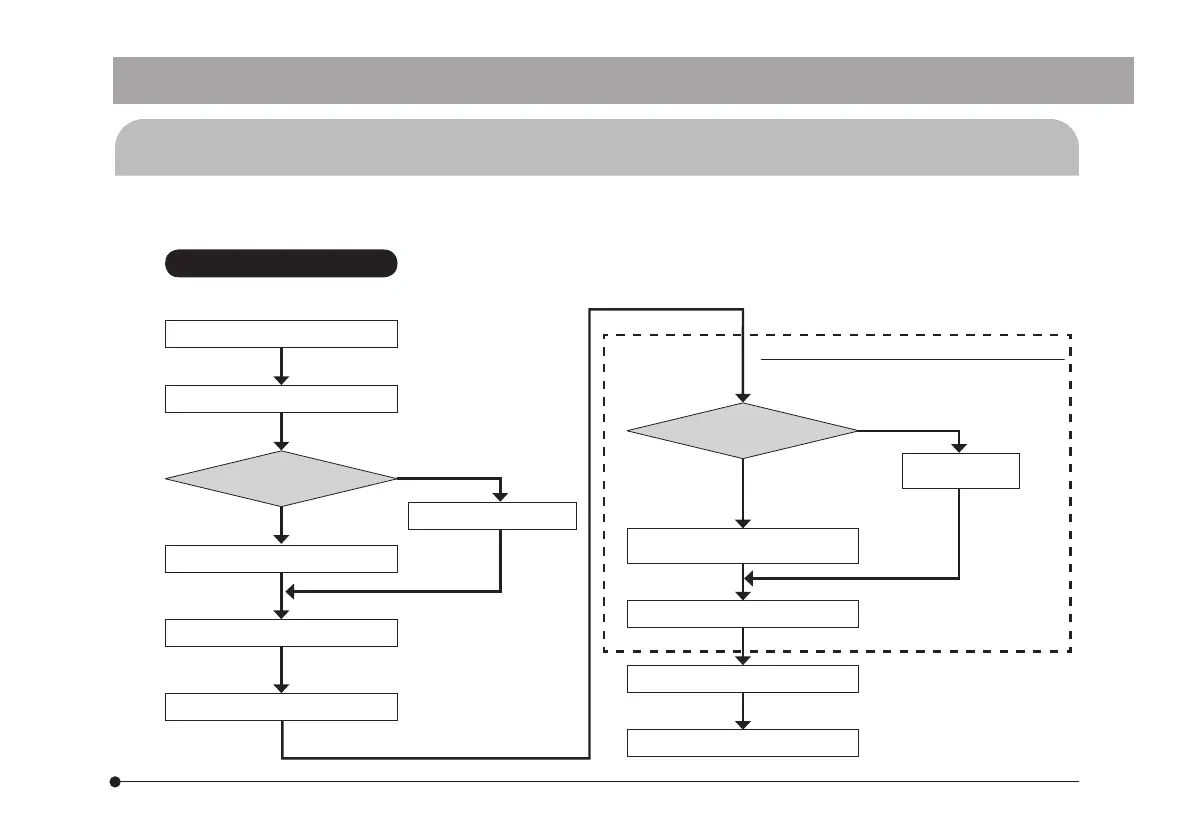
Brightfield Observation Flow
Set up the microscope.
Set the exposure mode.
Exposure mode?
Manual
Auto
Select the area (30% or 1%).
Set the exposure time.
Adjust the white balance.
Perform framing and focusing.
Exposure mode?
Manual
Auto
Fine-adjust the
exposure time.
Record an image.
Save the image.
Reconfirmation / fine adjustment as required
Adjust the white balance.
Move the area and correct
exposure.
4-2 Image Recording Flow
For detail use procedures, refer to the Instruction Manual or Help of Software you will use.
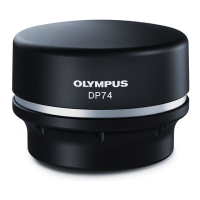
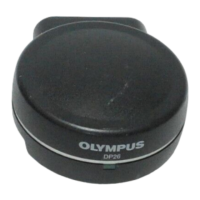
DP26


 To Next Page