4
Safety Symbols
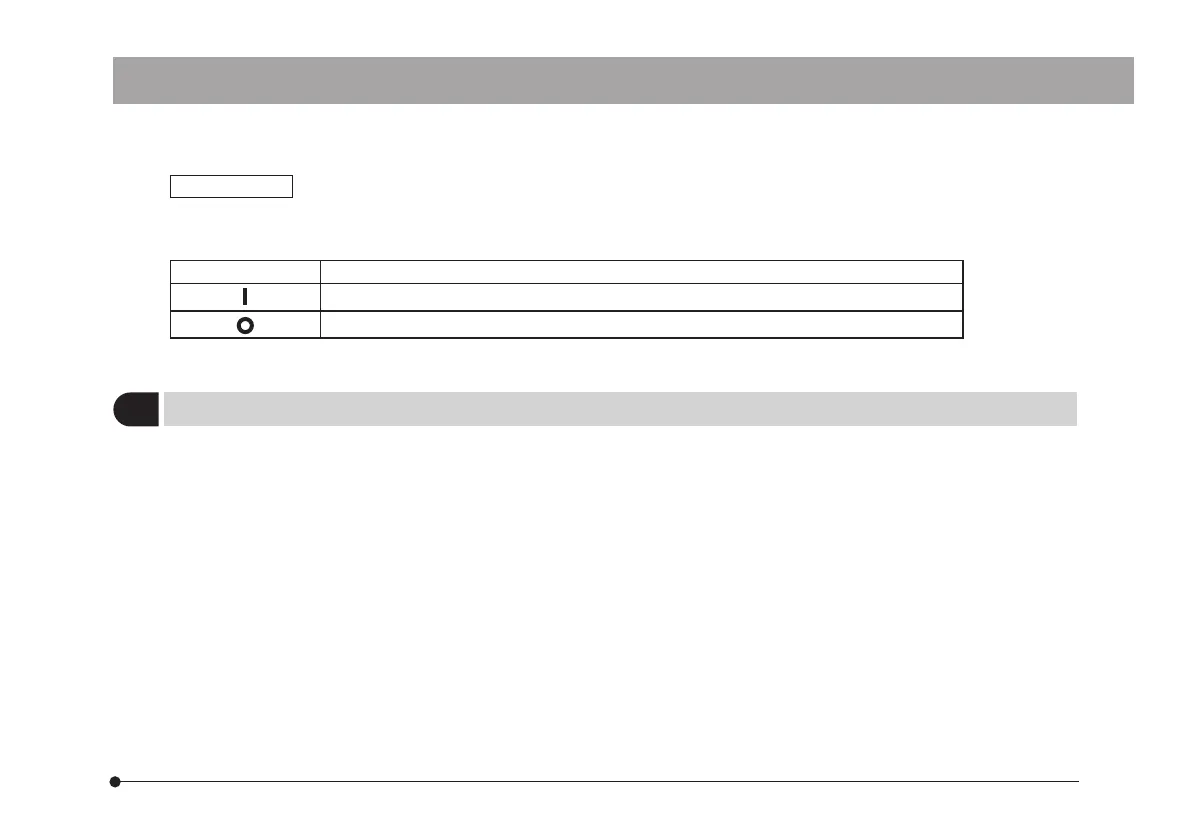
The following symbols are found on the microscope. Study the meaning of the symbols and always use the equipment
in the safest possible manner.
Symbol Explanation
Indicates that the main switch is ON.
Indicates that the main switch is OFF.
This product is intended to be used for capture of digital images, but not for clinical diagnostic purposes.
1
Intended use
DP26



 To Next Page