18
2
1
Cable side Connector side
• The cords and cables are vulnerable to bend or twist. Do not
apply excessive force to them.
• Be sure to switch off the computer before proceeding to the
connections.
• Always use the cables designated by Olympus.
• When connecting the cable, insert the connector plug in the
proper direction.
• Keep the cables well away from the equipments generating
high heats, such as the lamp housing of microscope.
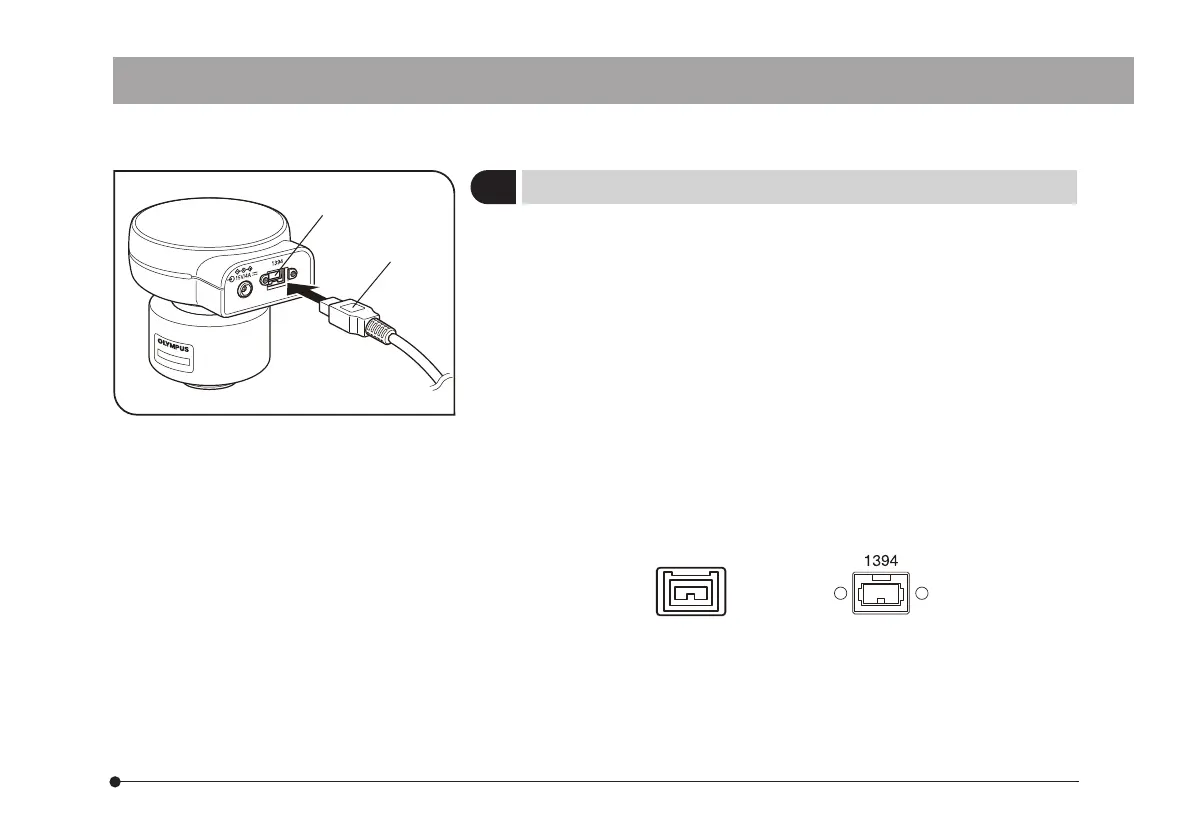
} When connecting the cable, insert the connector plug in the proper
direction.
(Example: Camera cable)
2
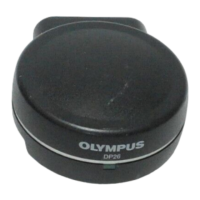
Connecting the Camera Cable
1. Insert the connector 1 on one end of the camera cable into the
connector 2 on the camera head.
2. Insert the connector on the other end of the camera cable into the
connector on the PC.
DP26


 To Next Page