29
2
Playing
Playing
101
/ 133
INSERT
SPEED
INDEX
MIKE
QP DICT
00
M
05
s
27
M
5 8
s
101 / 133
INSERT
SPEED
INDEX
MIKE
QP DICT
00
M
07
s
Volume 15
a
1
2
3
1
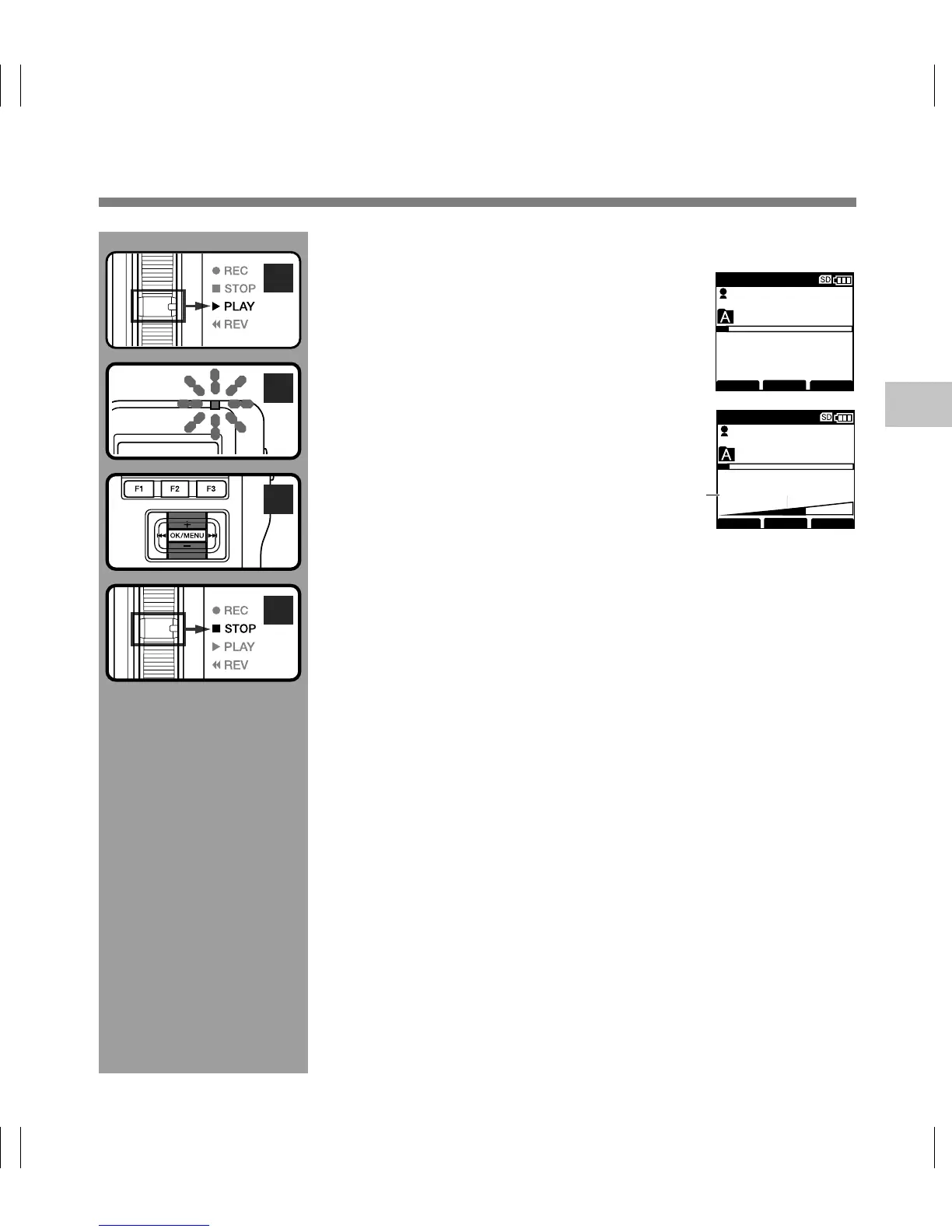
You can start playing a file at any point.
1
Select the file, then move the slide
switch to the PLAY position to start
playback.
The record/play indicator light glows green.
2
Press the
+
or
–
button to adjust the
volume.
The display shows the volume level. You can
choose between 0 to 30.
aVolume level
3
Move the slide switch to the STOP
position at any point you want to stop
the playback.



 To Next Page