41
3
1
Select the file whose information you
want to display.
Refer to P.40 regarding file selection.
2
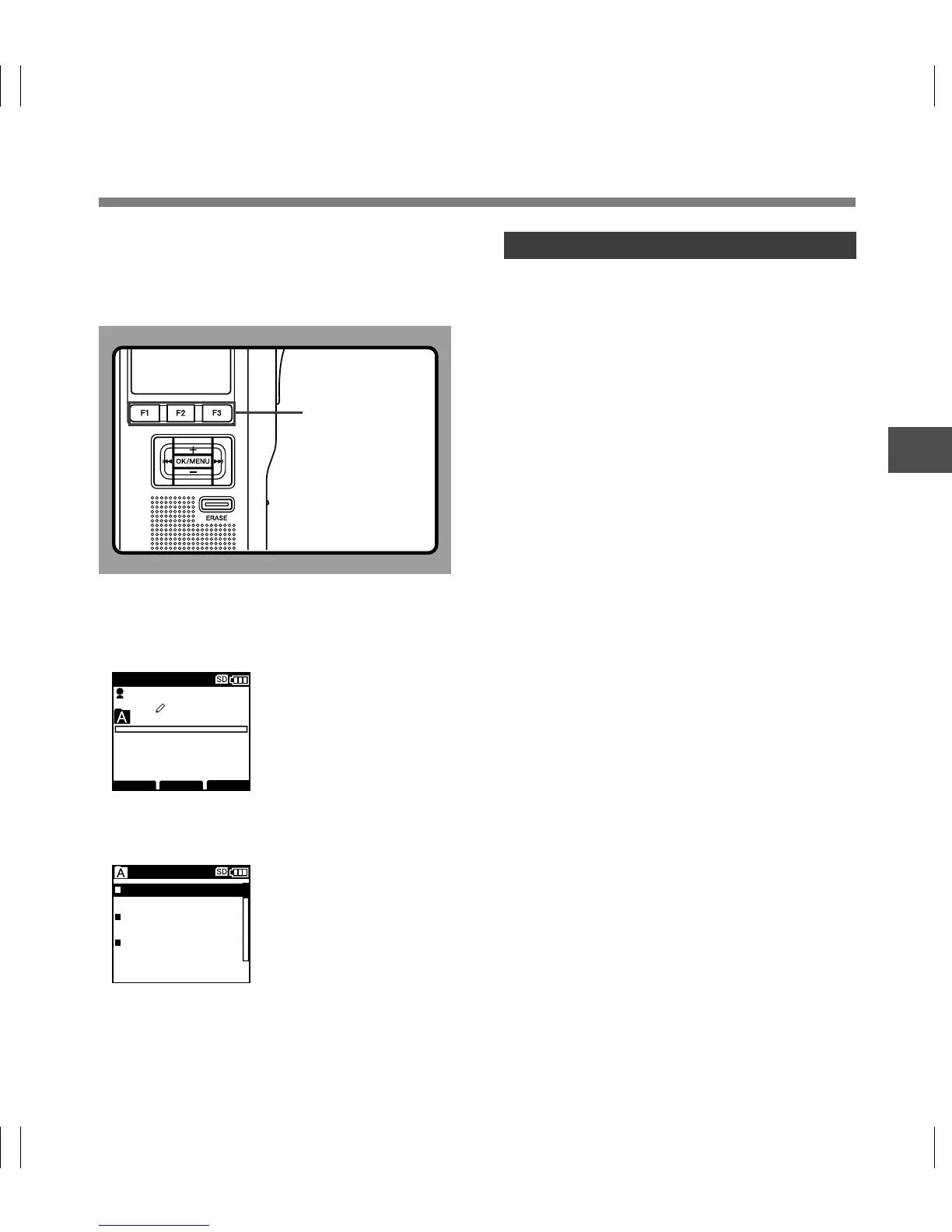
Press the F3
(
INFO
)
.
The file information is displayed.
Displaying File Information
The recorder can display a variety of
information related to the current file.
It is also possible to go to the Work Type and
Option Item edit screen.
029 / 030
FOLDER
PRIOR
INFO
MIKE
QP DICT
00M 00 s
22 M 4 0 s
029/030
File Name
DS5000006.DS2
12
M
23
D
2008
Y
12:23
Author ID
Rec Time
MIKE
M
P
The Displayed Information
The following information will be displayed.
[File Name]...File name
[Rec Time]...Time and date the file was
recorded.
[Author ID]...Display the Author ID of file.
[Work Type]...Displays the Work Type ID of file.
[Option Item]...Displays the Option Item which
has been set.
Displaying File Information
F3 button



 To Next Page