Shooting
3
35
Self-timer shooting
This function lets you take pictures using the self-timer. Fix the camera
securely on a tripod for self-timer shooting. This function is useful for taking
pictures when you want to be included in the photograph.
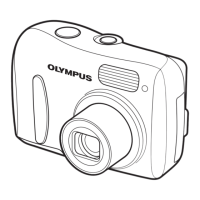
1 Press m.
• The self-timer settings screen is
displayed.
g“How to use the direct buttons”
(P. 11)
2 Select [ON], and press i.
3 Press the shutter button fully to
take the picture.
• The self-timer lamp lights for approximately 10
seconds, then starts blinking. After blinking for
approximately 2 seconds, the picture is taken.
• To stop shooting while in n mode, press the
shutter button fully again.
• To cancel the self-timer, press ^.
• The self-timer mode is automatically canceled
after one shot.
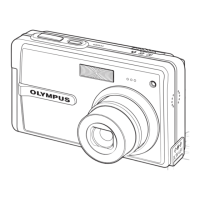
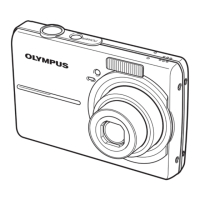
Self-timer lamp






 To Next Page