Olympus FV1200 User guide June 23, 2015
B. Laser start up
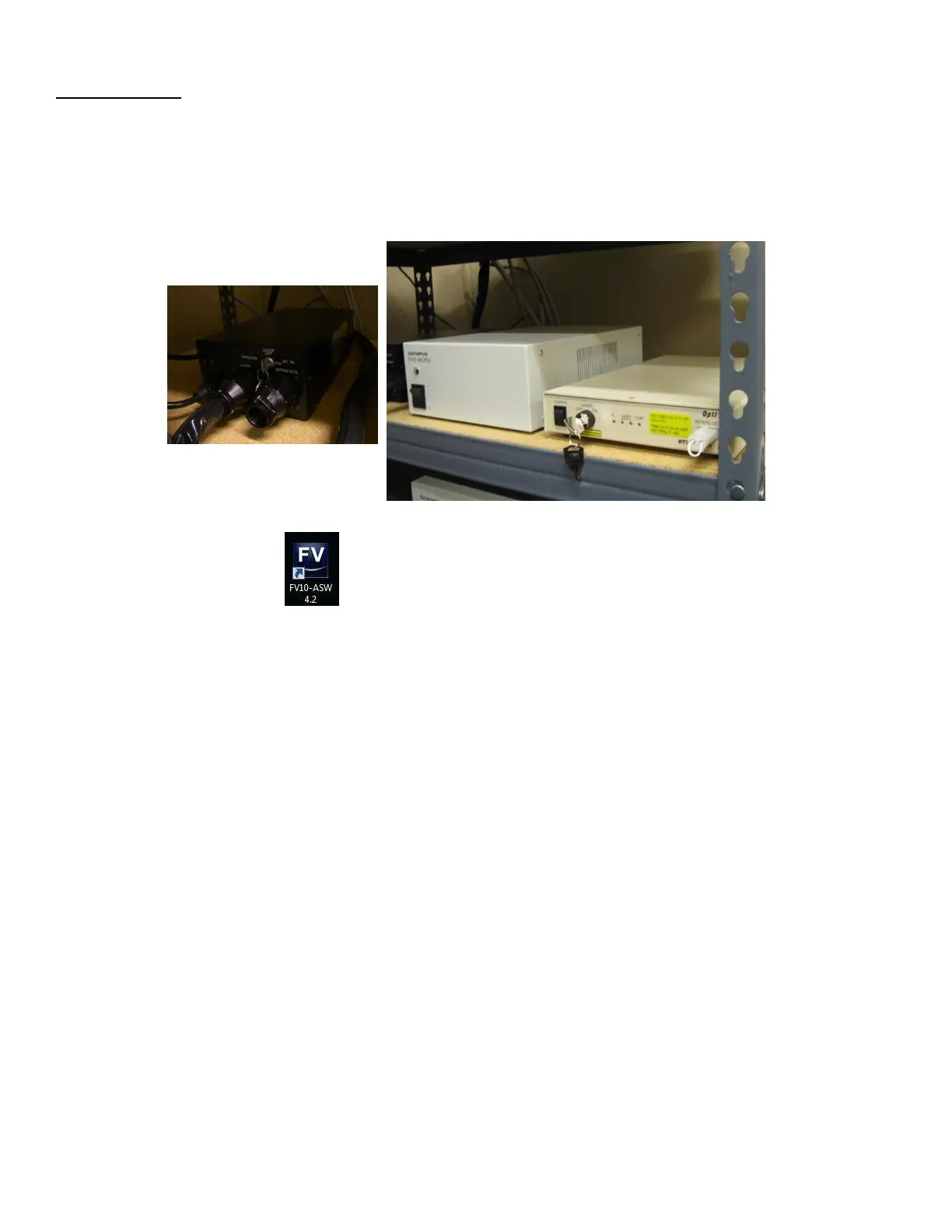
1. Turn on laser power supplies
a) Multi Ar laser : Switch to ON and turn the Key to ON.
b) MCPSU (405/440/473/559/635nm): Switch ON.
c) LD559 laser: Switch on and WAIT UNTIL THE TEMPERATURE LIGHT STOPS BLINKING and THEN turn the Key
to ON.
Double click FV10-ASW program and enter User ID and password.



 To Next Page