104
Chapter 5 Operation
VIDEO SYSTEM OTV-SI
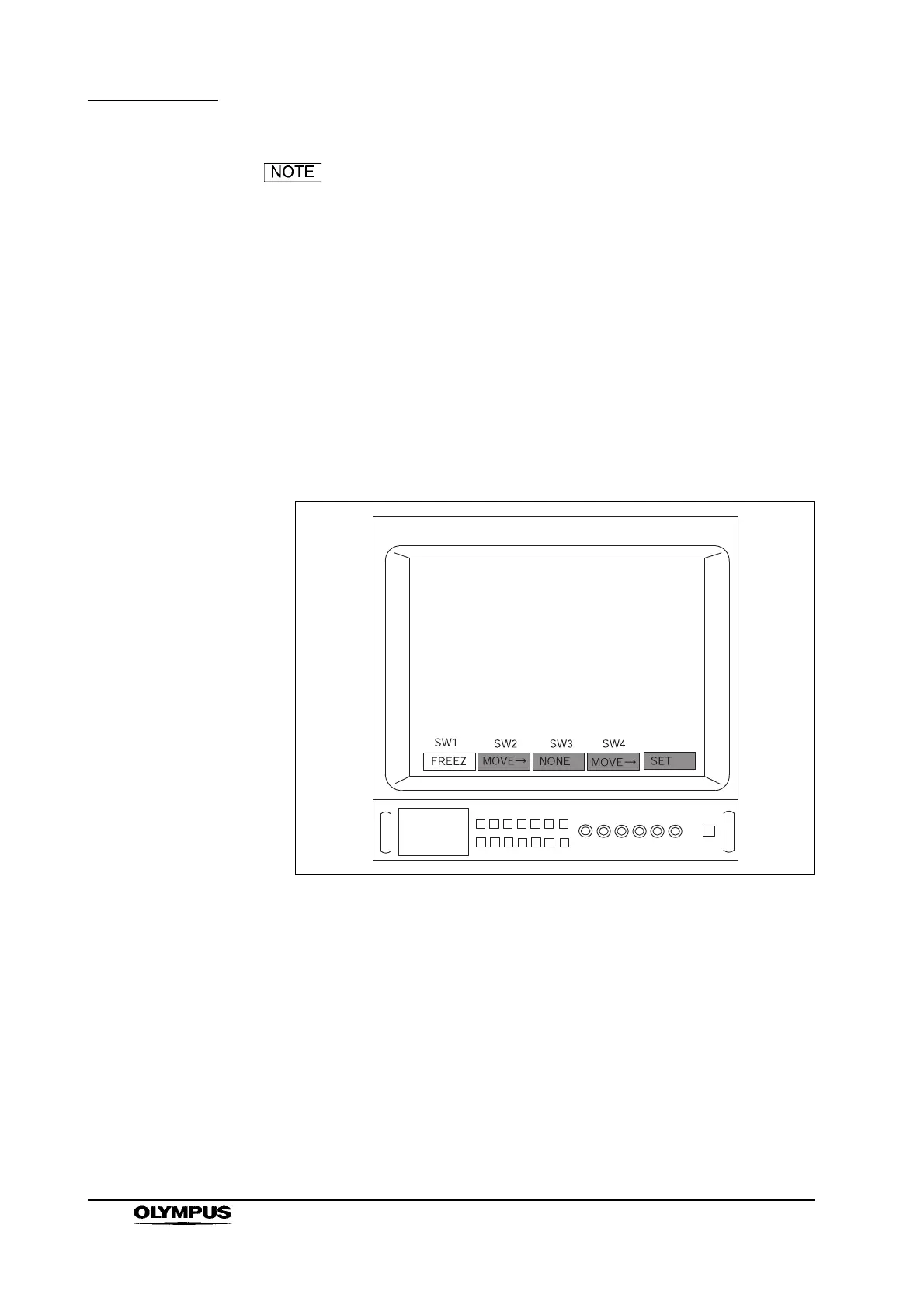
• The number of switches displayed (see Figure 5.60) depends
upon the number of remote control switches on the
videoscope or camera head.
• Depending upon the instrument settings, the menu shown in
Figure 5.60 may differe from that displayed on the video
monitor.
8. Press the remote control switch for selection, the “” or “” key on the
keyboard and select the switch number to be assigned (for example,
“SW1”).
9. Press the remote control switch for execution, the “Enter”, “ ” or “ ” key
on the keyboard to select the function to assign to the switch (for example,
“FREEZ”) (see Figure 5.61).
Figure 5.61



 To Next Page