Chapter 5 Operation
59
VIDEO SYSTEM OTV-SI
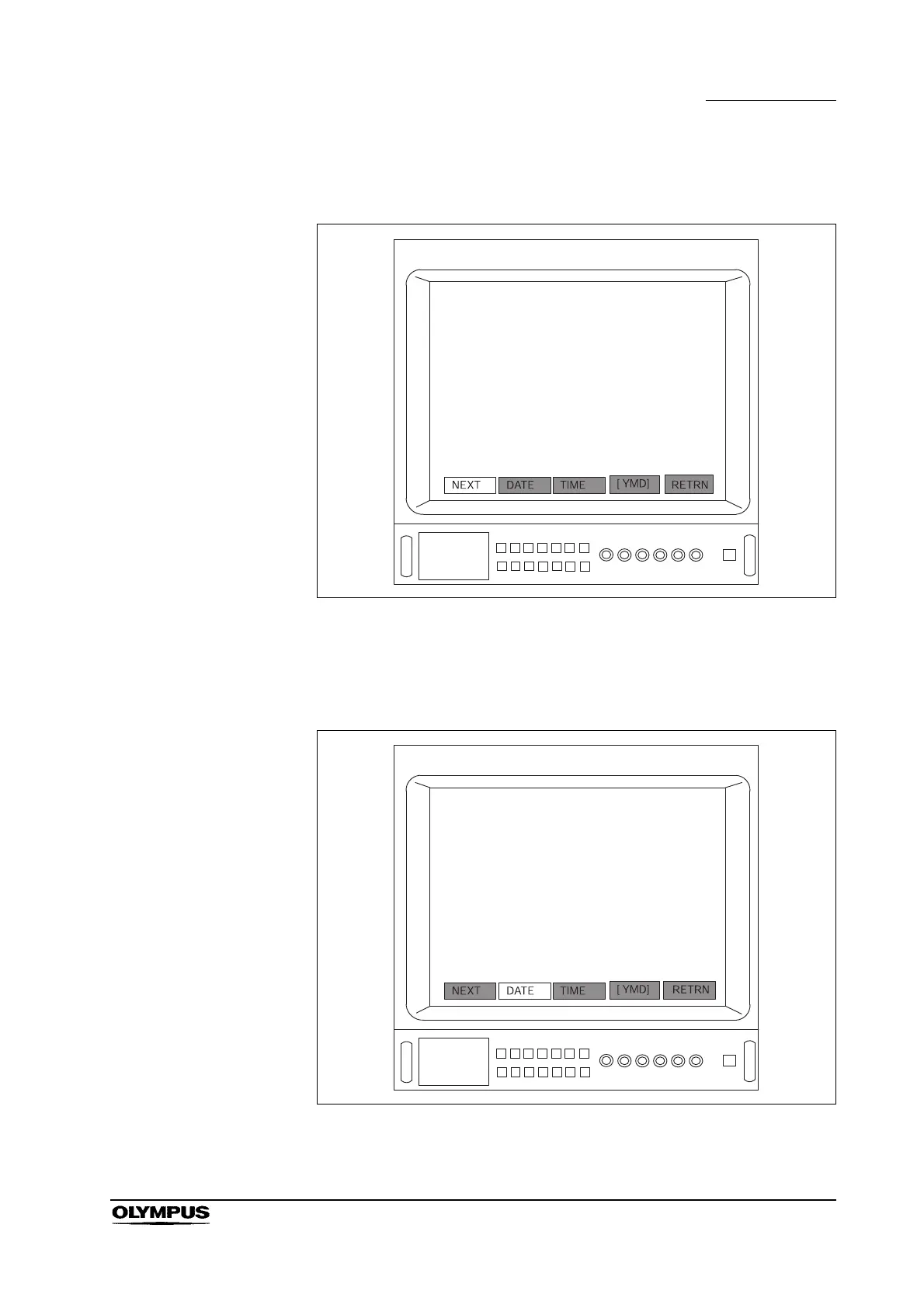
5. Press the remote control switch for execution, the “Enter” or “ ” key on the
keyboard three times to display the menu bar shown in Figure 5.9.
Figure 5.9
6. Press the remote control switch for selection, the “” or “” key on the
keyboard to select the menu item to be set (for example, to set or change
the date, select “DATE”) (see Figure 5.10).
Figure 5.10



 To Next Page