76
Chapter 5 Operation
VIDEO SYSTEM OTV-SI
7. Press the remote control switch for execution, “Enter”, “ ” or “ ” key on
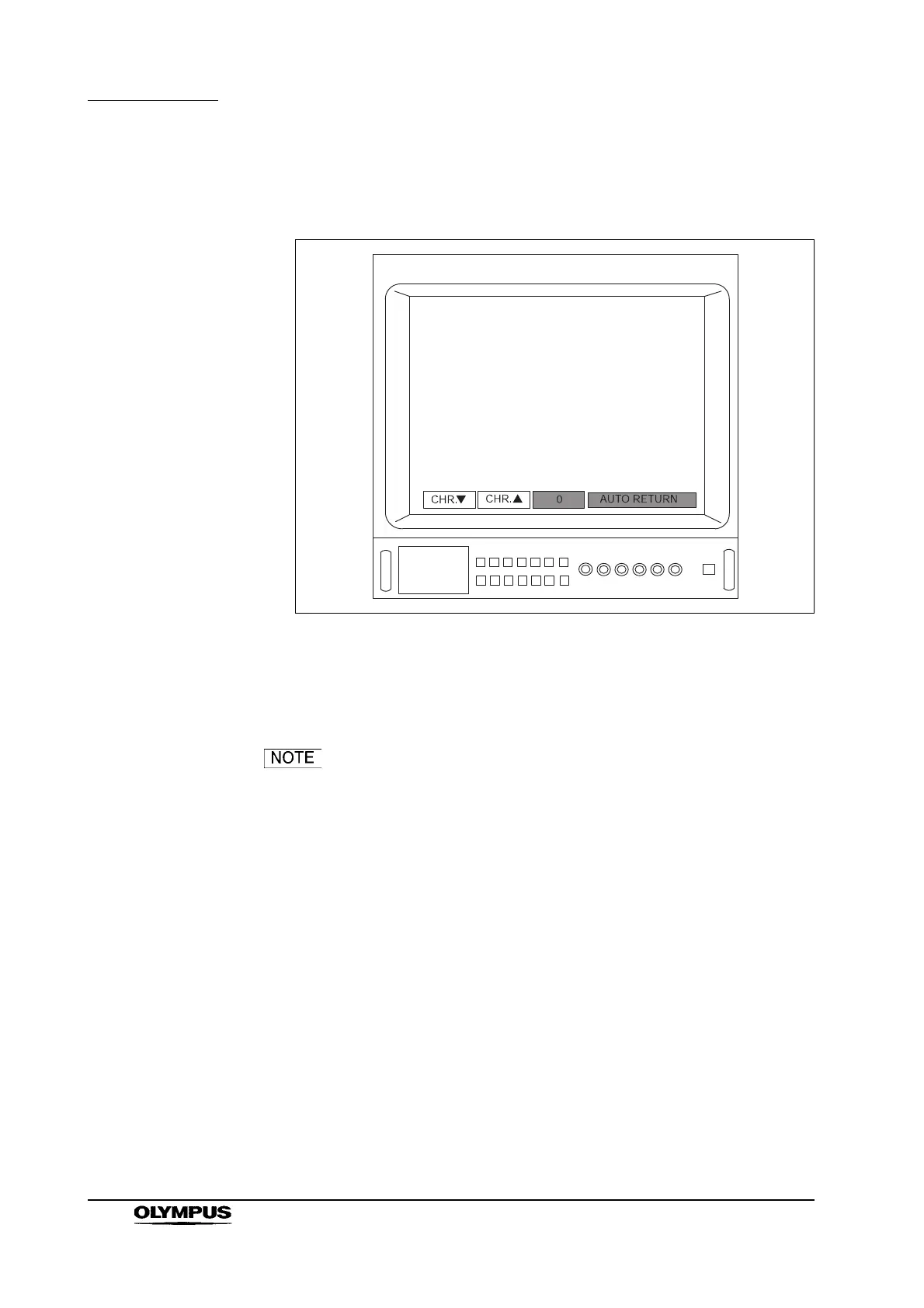
the keyboard to display the menu shown in Figure 5.31.
Figure 5.31
8. To decrease the color depth, press the remote control switch for execution
or “ ” key on the keyboard. To increase the color depth, press the remote
control switch for selection, “Enter” or “ ” key on the keyboard.
• If the chroma level is increased above the midpoint, the menu
shown in Figure 5.31 is displayed and “+” flashes. If the
chroma level is decreased below the midpoint, “” flashes on
the same menu. If the chroma level is at the midpoint, the
display shows “0”.
• The chroma level can be adjusted in 8 steps from the
midpoint.
• When the chroma level is at the maximum or minimum, the
display shows “+” or “”.



 To Next Page