SELECTING THE METERING MODE (How to Use ESP Metering)
ESP Metering is the mode to set for general use. In
this mode, you don't have to worry about how the
picture
will
turn
out.
All you
need
do is
press
the
shutter release. Even in tricky situations such as
sharp backlighting, the camera responds flexibly to
give you correctly exposed shots. This mode
assures
trouble-free
shooting
even
with
the
kind
of
pictures that often turned out as failures because
the exposure was wrong. In fact, ESP Metering
greatly increases the range of auto exposure tech-
nology. The following examples should provide a
useful reference.
* When taking pictures in ESP metering mode, acti-
vate the viewfinder display by pressing the shutter
release button lightly, then shoot.
Subjects for which ESP Metering is Specially Effective
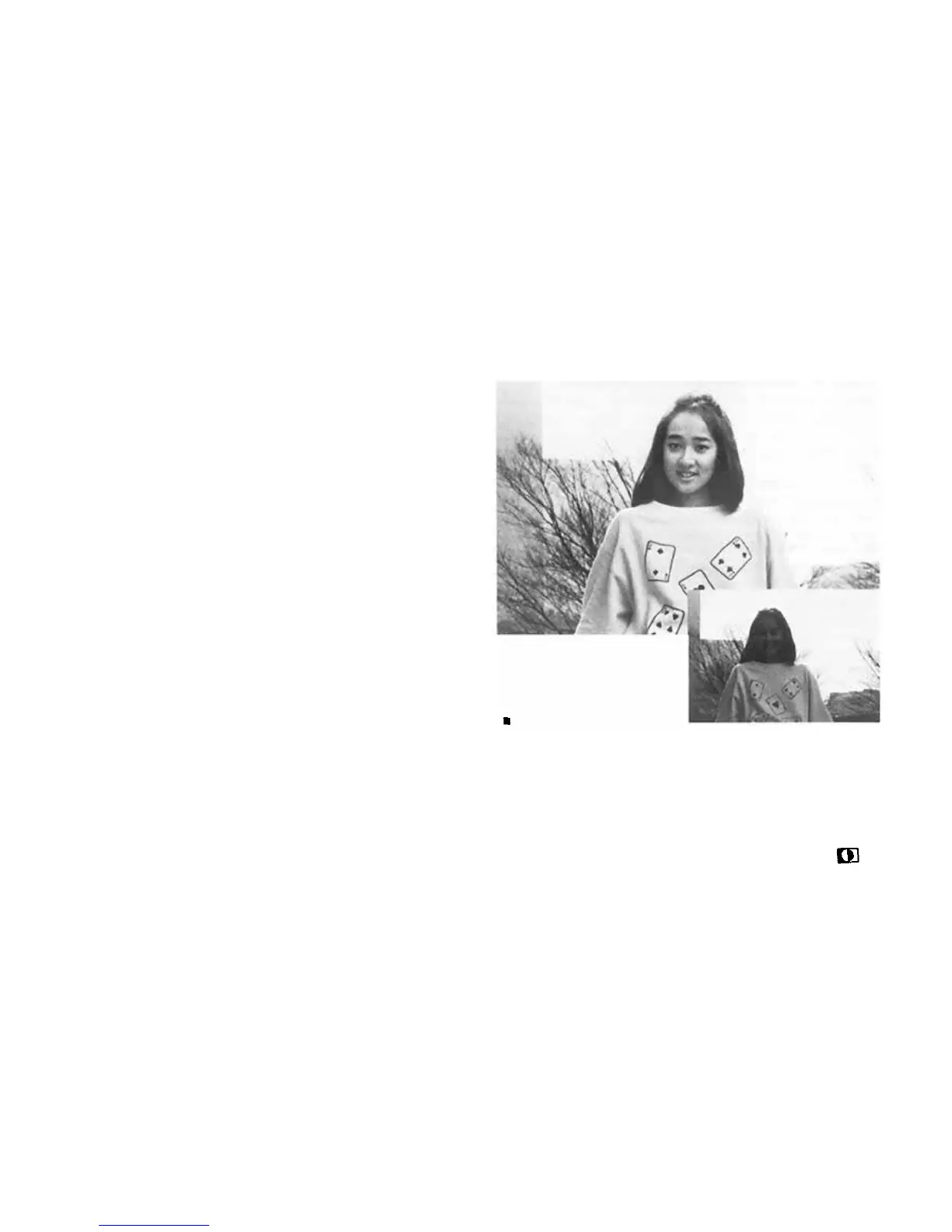
Backlighting
With center-weighted average metering, this kind of
situation tends to leave the subject's face pitch
black. But ESP Metering assures even the fine
shades of the subject's expression are faithfully
conveyed. For the best results, try to keep the
main subject fairly near the center of the composi-
tion. Check for the ESP Metering symbol in
the viewfinder.
35


 To Next Page